

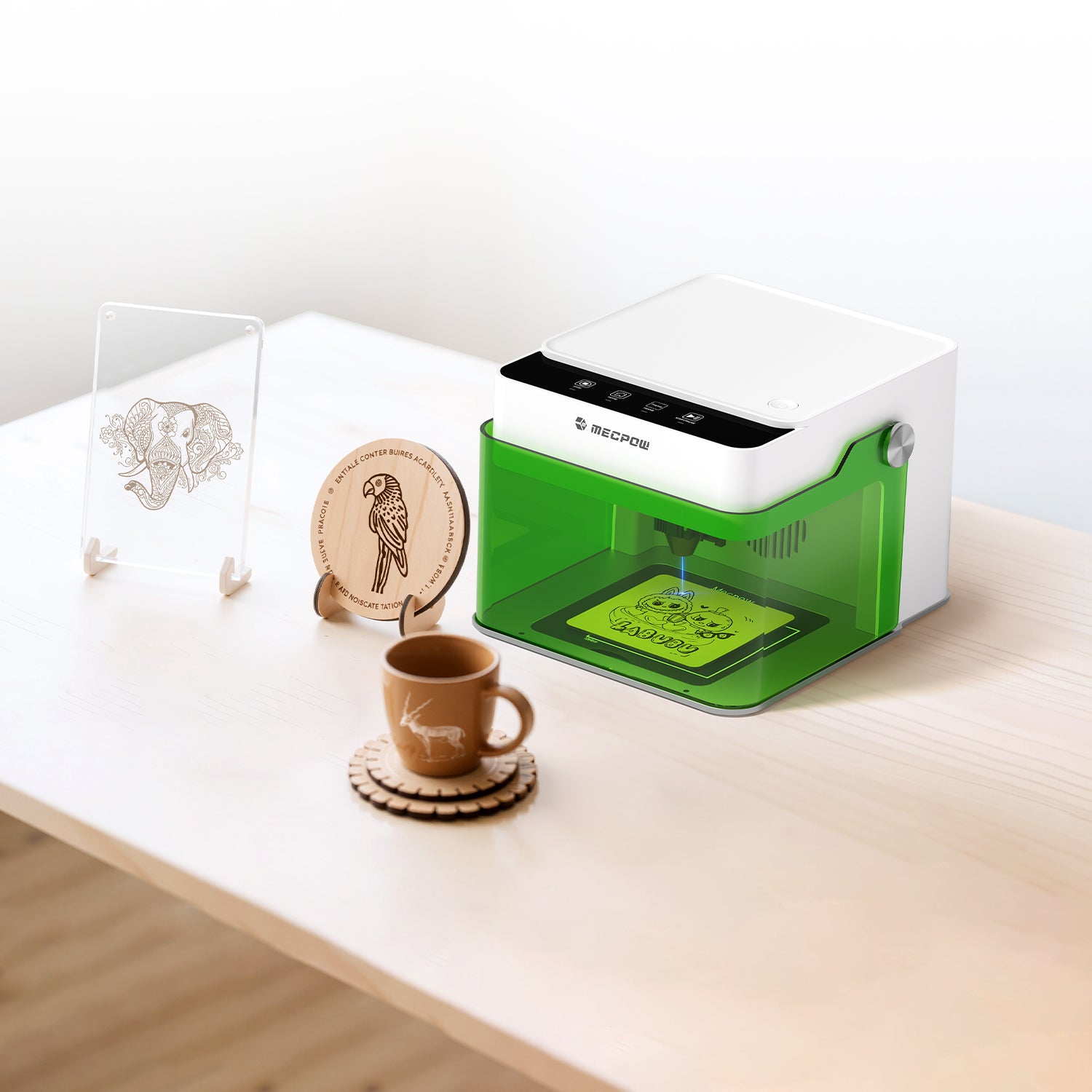
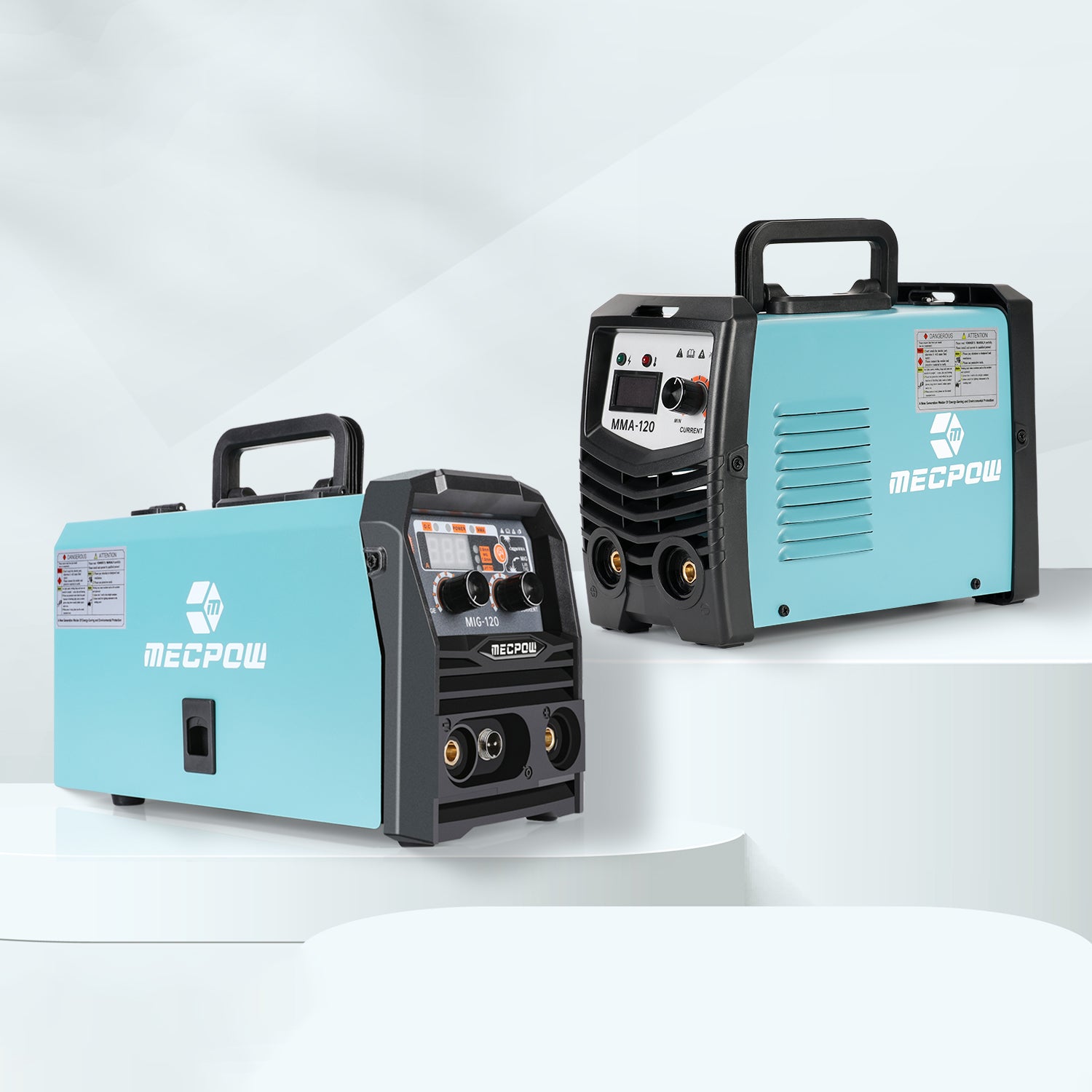
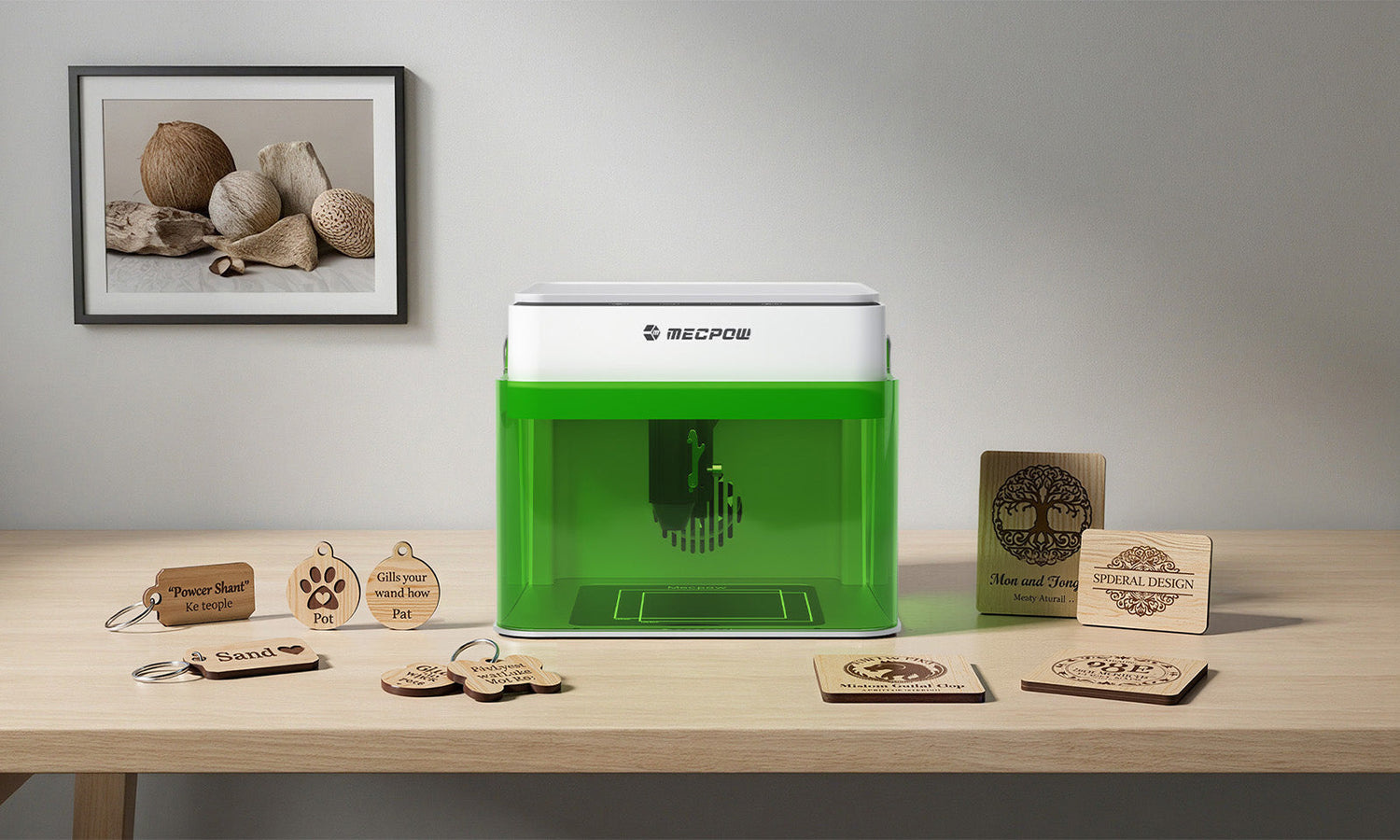
Laser engravers have grown popular for DIY, creative design and small-scale projects. For beginners, picking the right entry-level unit kick-starts creativity, guarantees a great experience and stays budget-friendly. Using Mecpow as an example, we will look at important 2026 specs and budget options for the best laser engraver for beginners. This will help you get started easily.
The Working Principle and Core Components of Laser Engravers
To choose a laser engraving machine that suits your needs, you first need to understand its basic working principle and core components.
(1) Basic Working Principle
A laser engraver uses a strong laser beam to shine on a material's surface. This causes the material to melt and vaporize quickly. As a result, it creates patterns, text, or shapes on the surface.
The control system precisely controls the laser head’s movement path and power output for high-precision engraving.
On wood, laser heat carbonizes the surface to create dark marks. On acrylic, laser vaporization cuts clear, precise designated contours.
(2) Analysis of Core Components
· Laser
The laser is the core component of a laser engraver, and its type and power directly determine the machine’s processing capability. Currently, the mainstream lasers fall into two categories: blue diode lasers and infrared lasers. Blue diode lasers have a wavelength of approximately 445nm. Characterized by small size and high energy efficiency, they are suitable for engraving metals, plastics, dark wood, and other materials.
Infrared lasers have a wavelength of around 1064nm. Boasting high power, wide material compatibility, and uniform engraving and cutting results, they can process various materials such as wood, acrylic, paper, leather, and glass.
· Optical Path System
The optical path system is responsible for guiding and focusing the laser beam to ensure precise application on the material surface. It mainly consists of two components: reflectors and focusing lenses.Reflectors are used to change the propagation direction of the laser, guiding it to the processing area along a preset path. Focusing lenses concentrate the laser beam into a high-energy-density light spot, improving engraving precision and effect. A high-quality optical path system ensures the stability and accuracy of laser transmission while minimizing energy loss.
· Control System
The control system acts as the "brain" of the laser engraver. It receives the design files input by users and converts them into motion commands and laser output parameters for machine operation. By controlling the operation of motors, it drives the laser head to move precisely along the X and Y-axes, thus completing the engraving of complex patterns.
· Workbench
The workbench is the component that holds the processing materials, and its precision and stability are critical to engraving quality. Some high-end models are equipped with height-adjustable workbenches, allowing users to flexibly adjust the laser focal length according to the thickness of the material. In addition, the flatness and load-bearing capacity of the workbench should also be carefully considered to prevent displacement or deformation of the material during processing.
How to Choose Laser Engraver Configurations for Beginners
For beginners new to laser engraving, choosing the right equipment configuration not only lowers the learning curve but also better matches daily creative needs, avoiding functional waste or insufficient performance caused by blind purchasing. Below is a practical buying guide for beginners, sorted out from core dimensions including power, laser type, and processing area.
1. Power Selection
For beginners, higher power does not equate to better performance. A low-power laser engraver and cutter (5–10W) is fully capable of meeting most entry-level needs, such as engraving on paper, thin leather, or wooden boards under 3mm thick. These engravers are easy to operate, energy-efficient, and feature a small heat-affected zone, effectively preventing material charring or damage caused by improper power control.
As your skills improve, if you need to process thicker materials or complete complex tasks, you can upgrade to a medium-power model (10–20W). Such equipment can handle non-metallic materials 5–8mm thick, and some fiber laser models are even capable of engraving thin metals.
2. Laser Type Adaptation
Most beginners purchase engravers for creative exploration, focusing on processing lightweight and thin materials. For these needs, a model combining both a blue diode laser and an infrared laser is the optimal choice. It works well with common materials like wood, acrylic, leather, and metal. This lets you try different creations without needing to replace your tools often.
3. Processing Area Consideration
Choose the processing area based on your actual needs. Common entry-level sizes are 300×200mm and 400×400mm.
A 300×200mm area suffices for small crafts like wooden bookmarks or leather keychains. Choose a larger area for substantial projects like picture frames and decorative panels. This helps avoid size limits that can hurt the quality and accuracy of the final product.
4. Precision and Stability
Precision is a key indicator of a laser engraver’s performance, including positioning accuracy and repeat positioning accuracy. For beginners engaged in creative engraving, a model with a positioning accuracy of ±0.05–0.1mm can meet the demand and accurately render fine pattern details.
Stability is closely related to the machine’s structural design and manufacturing process. A rigidly structured engraver generates minimal vibration during operation, ensuring smooth movement of the laser head, which not only improves engraving quality but also extends the equipment’s service life. When selecting a model, you can focus on the frame material and assembly process—for example, models with aluminum alloy frames, high-precision lead screws, and guide rails usually deliver better stability and precision.
5. Software and Operational Convenience
User-friendly software and control systems can significantly reduce the learning cost for beginners. A high-quality laser engraver should support common design file formats and be equipped with intuitive, easy-to-learn operating software, preferably with a straightforward graphical interface and operation guide. Some software also comes with preset material parameters and engraving templates. Users only need to select the corresponding material and desired effect to start engraving quickly, without complicated parameter adjustments. In addition, software with a real-time preview function allows users to check the final effect before engraving, make timely adjustments, and reduce mistakes.
6. Safety Protection Features
Laser engravers pose certain safety risks during use, so safety protection features are essential. Entry-level models should at least be equipped with a protective cover and an emergency stop button: the protective cover can effectively block laser radiation and prevent accidental exposure of operators to the laser; the emergency stop button can shut down the machine quickly in emergencies to avoid further accidents. Some high-end entry-level models are also equipped with a smoke exhaust system, which timely removes harmful fumes generated during engraving, protecting indoor air quality and the operator’s health.
| Model | M1 | X3 Pro |
| Laser Module Output Power | 3.5W / 5W | 10W |
| Engraving Speed | 10000 mm/min | 10000 mm/min |
| Engraving Accuracy | 0.1 mm | 0.01 mm |
| Working Area | 100x100 mm | 410x400 mm |
| Focusing Method | Manual Focus | Manual Focus |
| Wood Cutting Capability (1 Pass) | 1mm | 6mm |
| Tilt Alarm | 15±5° | 50±5° |
| Software Support | MKSLaser (APP), LaserGRBL, LightBurn | LaserGRBL (Free Software for Windows), LightBurn (Paid Software for Windows & Mac OS) |
| System Support | Windows, macOS, Android, iOS | Windows, Mac |
| File Format Support | JPEG, BMP, JPG, GIF, PLT, PNG, DXF, HPGL, NC, etc. | JPEG, BMP, GIF, PLT, PNG, DXF, etc. |
| Materials for Laser Engraving | Wood, Plastic, Leather, Cardboard, Stone, Ceramic, Coated Metal, Bamboo, etc. | Wood, Acrylic, China, Fabric, Bamboo, Plastic Board, Leather, Fruit, Bread, etc. |
From the above comparative analysis, it’s easy to see that while both the Mecpow M1 and X3 Pro laser engravers are suitable for beginners, each has its own focused advantages. Below is a breakdown of the key reasons and highlights that make each model ideal for beginners, organized by core dimensions:

Mecpow M1: The First Choice for Low-Threshold Entry
1.Low Learning Curve & Plug-and-Play
Comes pre-assembled—no complex setup is needed after unboxing, and you can start operating it quickly by following the instruction manual. Only 4 intuitive buttons are located on the top of the machine, making basic functions easy to understand; beginners don’t need long hours of learning to master it.
2. Full Safety Protection & Worry-Free Use
Certified to FDA Class I laser safety standards, its fully enclosed protective cover filters 99% of laser radiation. Equipped with an auto-shutdown function when the cover is opened, it effectively prevents accidental contact risks for children and pets, so beginners don’t have to worry about safe operation.
3. Performance Tailored for Beginners
Supports 3.5W/5W diode lasers: The 5W module functions as an efficient wood laser cutter for 3mm plywood, making it a perfect best laser engraver for beginners, while the optional 1.2W infrared module enables metal engraving—covering common materials used by beginners, such as wood and metal. Pre-set optimized parameters for various materials eliminate the need for manual adjustment of complex values, allowing easy completion of engraving tasks.
4. Flexible Expansion & Upgrade as Needed
Compatible with the R1 1.2W infrared laser module (for metal engraving) and G3 Pro/G5 rotary roller module (for engraving round/curved objects). Beginners can start with basic functions and later add accessories based on creative needs to gradually enhance the machine’s capabilities.
5. Compact and Portable
Weighing only 2.4kg with a compact size, it fits easily on a desktop without taking up much space. Its lightweight design allows for easy movement, making it convenient for beginners to adjust their work position flexibly at home, in a studio, or other scenarios.
Mecpow X3 Pro: The Choice for High-Precision Advancement
1.Simplified Operation
Equipped with a fixed-focus laser, it eliminates the tedious process of focus adjustment. Paired with a focus screen for auxiliary positioning, you only need to slide the laser head until it touches the focus screen to achieve precise focusing—no repeated practice is required.
2. Upgraded Safety Performance
Features a flame sensor (triggers an alarm and shuts down in case of fire), a gyroscope sensor (auto-shuts down if tilted beyond 50±5°), and limit switches (prevents over-limit movement of the machine). These protect against risks from fire, tipping, and incorrect operation. It also has an emergency stop button and a lock function to prevent accidental touches, making it especially suitable for households with children and giving beginners peace of mind.

3. High-Precision Engraving
The 10W diode laser engraver has a focused spot as small as 0.06×0.08mm and an engraving accuracy of 0.01mm. Combined with short-pulse technology, it enables fine pattern engraving (e.g., complex patterns, text). It can cut 10mm thick wood boards and 5mm thick acrylic boards, meeting beginners’ needs as they progress from simple creations to more complex processing tasks.
4. Adjustable Airflow Assistance
A built-in air pump removes processing debris and smoke, reducing fire risks. An adjustable knob allows flexible airflow adjustment based on smoke density, creating a smoke-free and odor-free working environment—so beginners don’t have to worry about smoke pollution.
5. High Durability & Reduced Maintenance Costs
The limit switch design reduces wear caused by over-limit movement of the machine, extending its service life. Beginners don’t need frequent maintenance, nor do they have to worry about equipment damage due to incorrect operation, making it more cost-effective for long-term use.
Start Your Creative Laser Engraving Journey
Whether you’re a novice stepping into the world of DIY laser engraving or a creator looking to polish casual ideas into exquisite works, the core of a smooth start always lies in choosing a tool that fits your needs.
By now, you have clearly grasped the working principle, core accessories and key configuration logic of laser engravers. Next comes the crucial step to turn creativity into reality—selecting the right model. At Mecpow, from beginners and enthusiasts to professional creative workers, everyone can find a dedicated laser engraver, allowing every fleeting idea to be accurately carved into a tangible product and easily starting your engraving journey.


Leave a comment
This site is protected by hCaptcha and the hCaptcha Privacy Policy and Terms of Service apply.