

Metal engraving used to feel like a specialized industrial process, reserved for factories or professional workshops with complex equipment. Today, that picture is changing. As desktop technology improves, more users are discovering that a compact laser engraver can handle not only wood, leather, and acrylic, but also selected metal engraving tasks when paired with the right module.
For makers, hobbyists, and small businesses, this shift matters. It opens the door to personalized jewelry, engraved tags, stainless steel accessories, and custom gift items without requiring a large industrial setup. A good example is the combination of the Mecpow M1 laser engraver and the Mecpow R1 1064nm infrared laser module.
This guide explains how laser engraving metal works, what materials are suitable, what affects engraving quality, and why the Mecpow M1 and R1 form a practical entry point for metal-focused creative work.
Why Is Laser Engraving Metal No Longer Exclusive to Industrial Use?
From Traditional Methods to Laser Technology
Traditional metal engraving often relies on mechanical contact. A cutting tool physically carves the material surface, which can be effective but usually requires more experience, more maintenance, and more setup time. Tool wear, noise, and limitations with fine detail are also common concerns.
By contrast, a laser engraving machine uses focused light energy to alter the material surface. Instead of pressing into the metal, the system applies energy with high precision based on a digital design file. This improves repeatability and makes short-run customization much more practical.
That is one reason laser etching metal has become increasingly accessible. Users can now work from a desktop environment, create designs digitally, preview layouts, and produce customized pieces with less manual complexity than many traditional methods.
The Physics Behind Metal Laser Engraving
Not all laser wavelengths behave the same way on metal. Standard diode lasers are widely used for organic materials, but metals often respond better to infrared wavelengths that interact more efficiently with their surfaces.
The Mecpow R1 uses 1064nm infrared light, a wavelength engineered for engraving a variety of metals. When this wavelength reaches a compatible metal surface, it delivers energy in a way that supports precise marking and detailed engraving.
This is why a dedicated infrared module is often essential for users who want to engrave metal laser projects reliably. In simple terms, the wavelength helps determine whether the beam is well-suited to the material. For metal-focused work, 1064nm infrared is a more appropriate choice than a standard visible-light diode alone.
Core Equipment: The Golden Duo of Mecpow M1 and R1
Mecpow M1: The Beginner-Friendly Powerhouse
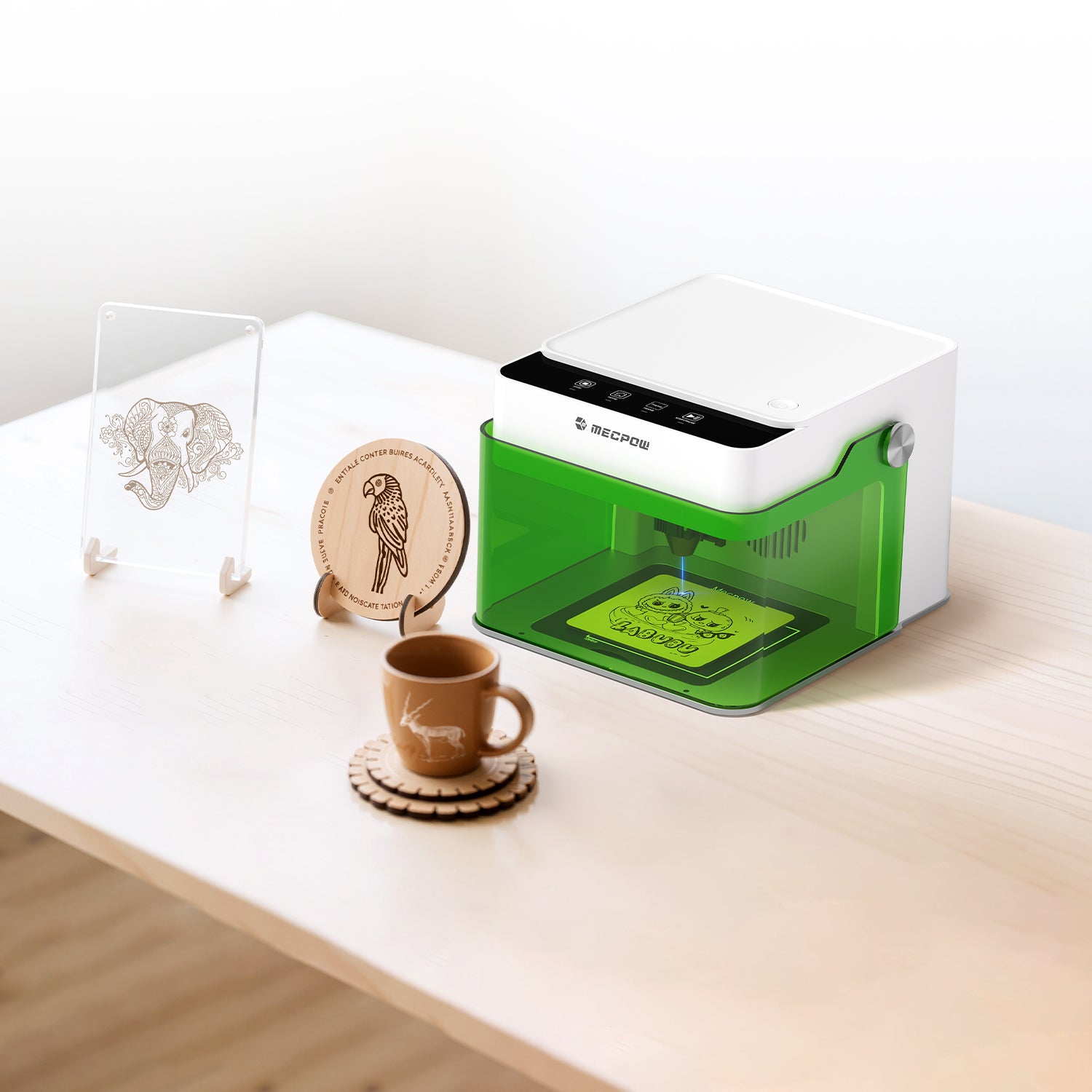
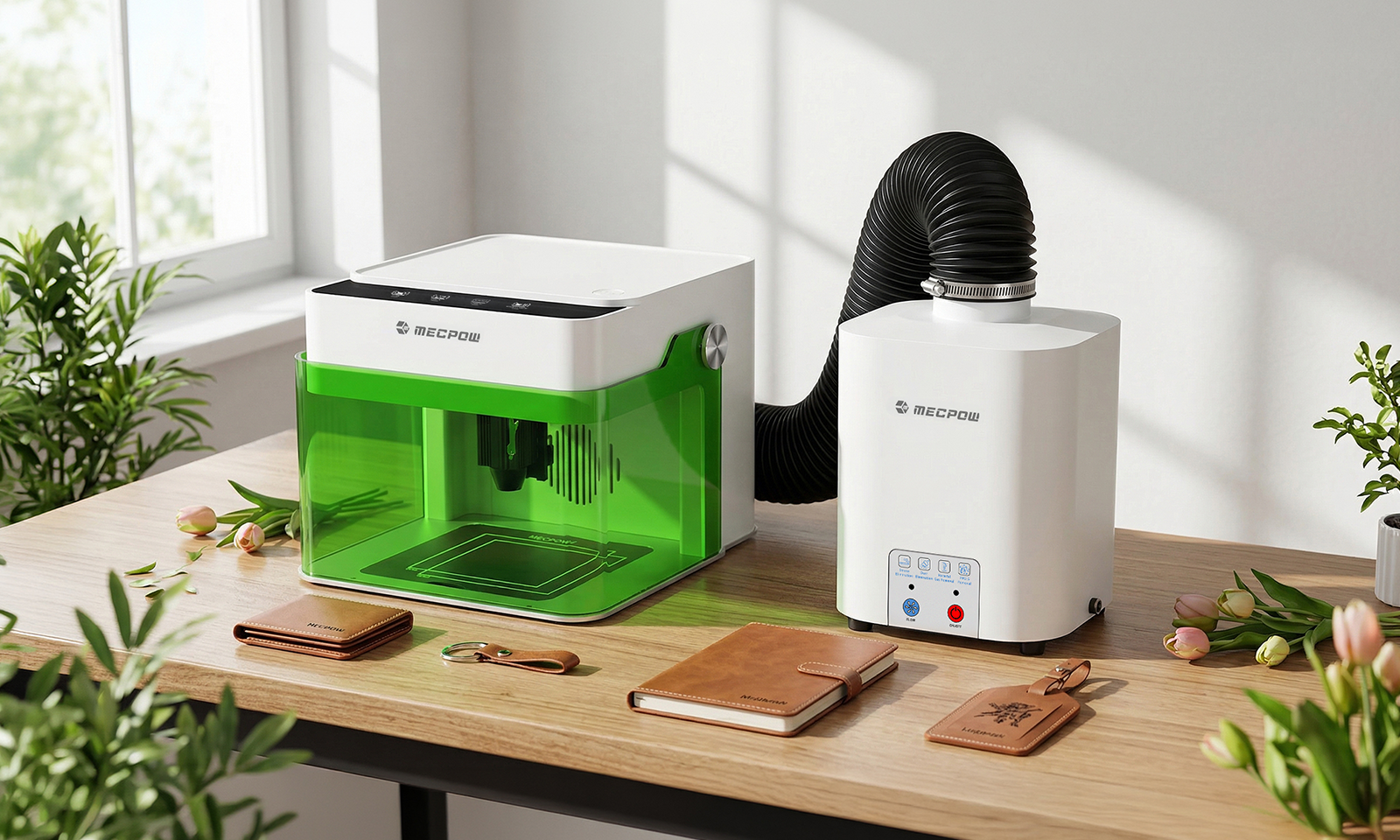
The Mecpow laser engraver M1 is designed to remove the technical intimidation often felt by newcomers. It arrives pre-assembled, enabling users to unbox and start creating in minutes. A standout feature is its FDA Class 1 safety certification; the fully enclosed protective cover filters 99% of harmful laser light, meaning you can engrave safely without goggles. The integrated automatic-stop function ensures the machine halts immediately if the lid is opened, making it a perfect fit for family-oriented workspaces.

Mecpow R1 1064nm Infrared Module: The "Key" to Metal
The R1 module is the catalyst that transforms the M1 into a versatile laser engraver for metal. Boasting an ultra-fine 0.01mm laser spot, it achieves microscopic detail, perfect for fine jewelry or serial numbers. Its high-speed pulse repetition rate of 16,000Hz allows it to efficiently mark and etch a wide variety of metals, producing sharp, high-contrast results that rival professional craftsmanship.
How to Choose the Right Metal for Your Project
Common Metal Materials
The infrared capabilities of the R1 unlock a massive range of creative possibilities. You can laser etch metal surfaces, including:
- Precious Metals: Gold, silver, and platinum.
- Industrial Metals: Stainless steel, aluminum, copper, and iron.
- Specialty Surfaces: Metal oxides, alloys, and dark-colored plastics or acrylics.
Influencing Factors
To achieve optimal engraving results, consider these three critical variables:
- Frequency: The 16,000Hz pulse rate is vital for generating the focused thermal interactions needed for high-contrast detail.
- Speed: Faster speeds are ideal for light surface markings, while slower speeds allow the laser to dwell longer, resulting in deeper, more permanent etching.
- Material Surface: Reflective metals, such as raw laser-engraved aluminium, may require specific power settings to ensure proper absorption of the 1064nm wavelength.
Advanced Tips for High-Precision Metal Engraving
Preparation and Fast Focusing
Preparation is one of the easiest ways to improve results. Before engraving:
- Clean the metal surface.
- Secure the workpiece firmly.
- Install the R1 correctly.
- Use the focus lever to match the material height.
- Run a preview or framing test.
The R1’s pull-down focus lever simplifies this process. Accurate focus helps preserve line sharpness and ensures the laser energy is concentrated properly on the surface.
Software Settings and Parameter Optimization
There is no single universal setting for every metal. Surface finish, hardness, and desired appearance can all change the optimal setup. Still, a few general ideas are useful:
- Start with moderate power
- Use medium speed for initial testing
- Make small adjustments one variable at a time
- Save settings by material type
- Test on scrap pieces before final production
For laser engraving aluminium, extra testing is often helpful because anodized, brushed, and untreated surfaces may respond differently.
Creative Inspiration: From Personalized Gifts to Small Business Use
Personalized Gift Ideas
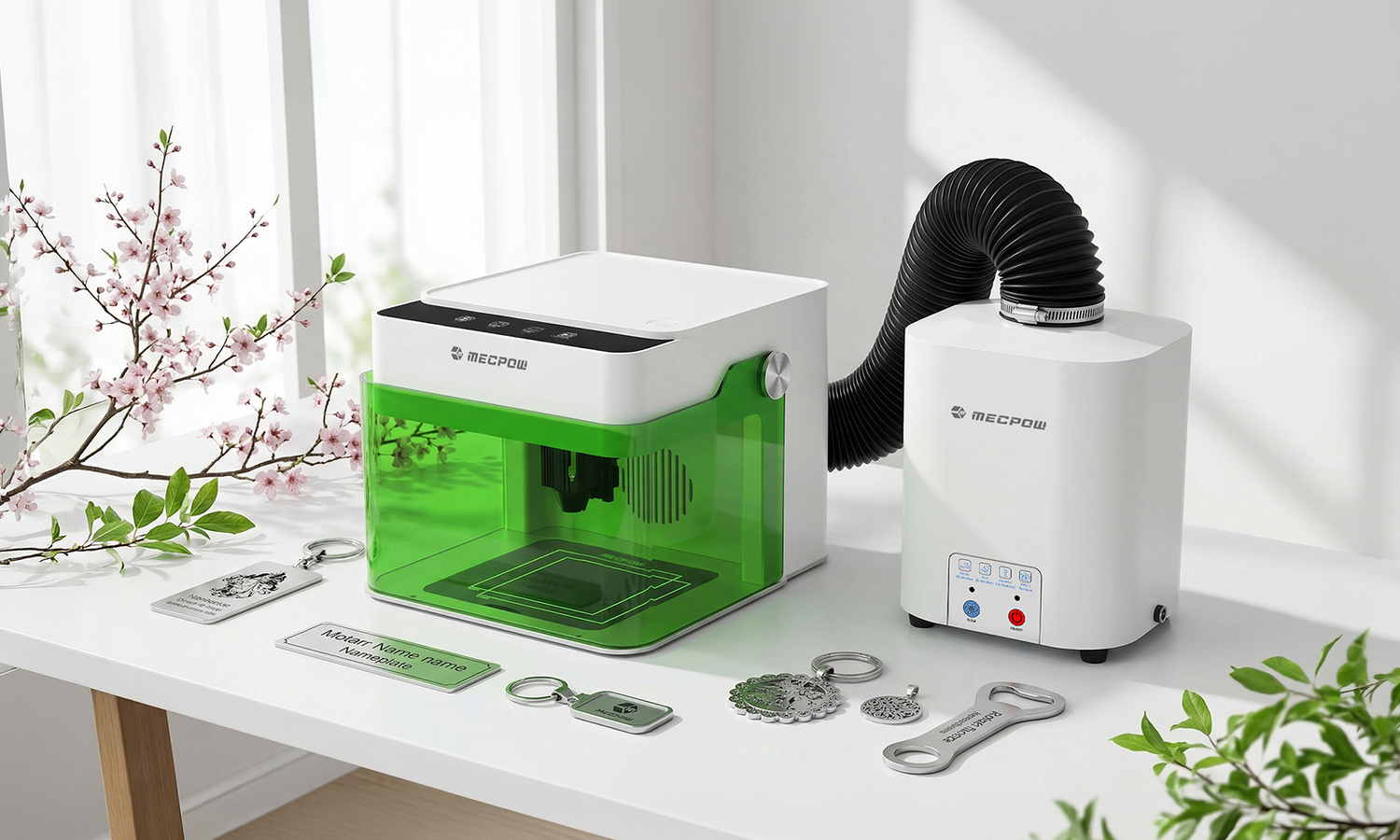
A compact laser engraver with metal capability can support many profitable and creative applications, such as:
- Custom jewelry
- Stainless steel pendants
- Engraved keychains
- Metal nameplates
- Personalized tags
- Anniversary gifts
- Brand logo accessories

The R1’s precision makes it suitable for small-format work where clean detail is important.
From Desktop to Studio
The M1’s compact design makes it practical for home and studio use. At only 2.4 kg, it fits more easily into small workspaces than larger systems. Its enclosed structure also makes it more approachable for users who want a controlled setup for home DIY or small-batch business use.
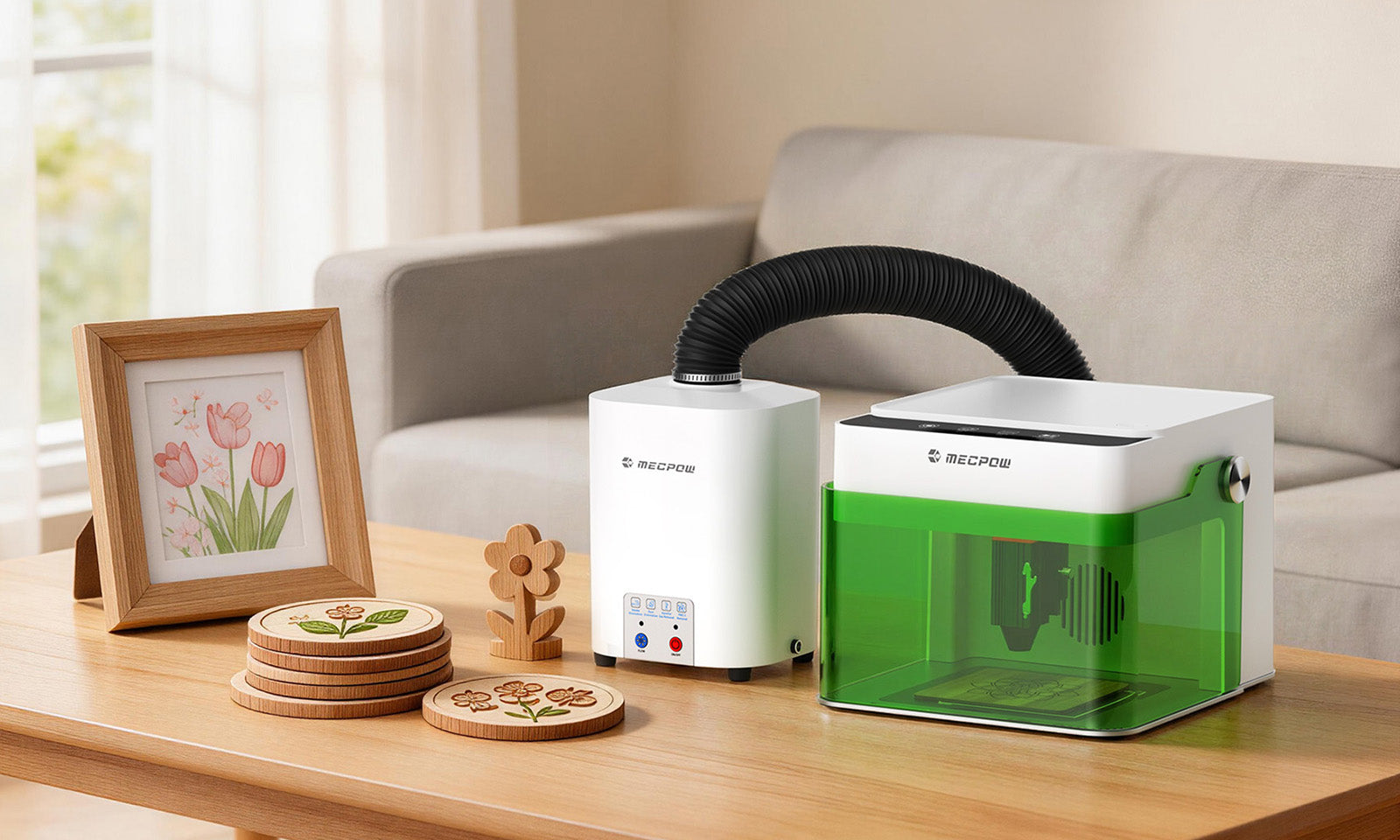
For a cleaner workspace, Mecpow also offers an optional fume extractor to help filter smoke and odors.
Frequently Asked Questions (FAQ)
Is it safe to engrave metal with Mecpow devices?
The Mecpow M1 laser engraver is FDA Class 1 certified and features an enclosed protective cover, 99% laser light filtering, and an automatic stop when the lid is opened. These features help improve safety for home and beginner use.
How do I start my first metal project?
A practical way to begin is with the Mecpow M1 and the Mecpow R1 module. Choose a simple design, start with a compatible metal such as stainless steel or aluminum, test settings on a sample piece, and then engrave the final item once the results are consistent.
Conclusion
The rise of compact systems has made laser etching metal more accessible than ever. For users who want a balance of precision, usability, and safety, the Mecpow ecosystem offers a practical path forward. The Mecpow M1 laser engraver provides a beginner-friendly foundation, while the Mecpow R1 1064nm infrared laser module unlocks the metal engraving capability needed for detailed creative work.
For anyone looking for a compact laser engraver for metal, this combination is a strong starting point for turning ideas into durable, personalized metal creations.

Leave a comment
This site is protected by hCaptcha and the hCaptcha Privacy Policy and Terms of Service apply.