

When you bring home a laser engraver, you gain the ability to customize wooden boxes, leather journals, and slate coasters. You gain the key to all kinds of creativity for gifts or starting a business. However, you are also using something that relies on heat and focused light, and it will generate subtle smoke and fumes.
A laser safe space sets you up for success rather than risking eye exposure, poor ventilation, or overheating. With the right set of habits and precautions in place, you’ll be able to enjoy all the designs you want with next to no risk.
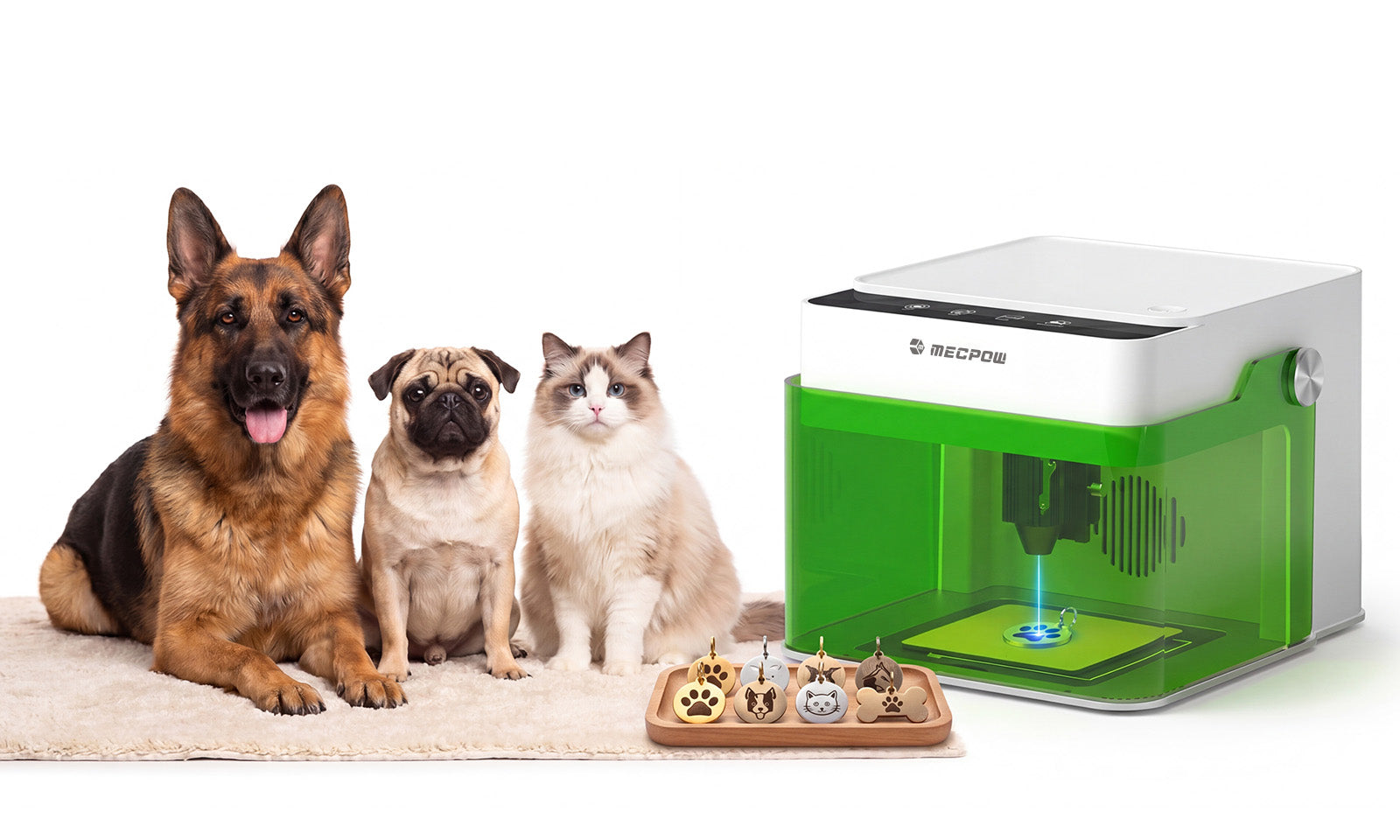
Here is a quick overview of the safety measures you should take and how the Mecpow M1 laser engraver helps ensure safety.

Understanding Core Risks: Eye Safety and Fire Hazards
The good news is that the right laser engraving machine comes with built-in eye safety and other features that protect you as you work. It helps to understand what you have to keep an “eye” out for when working with different materials.
Goggles vs. Safety Enclosures?
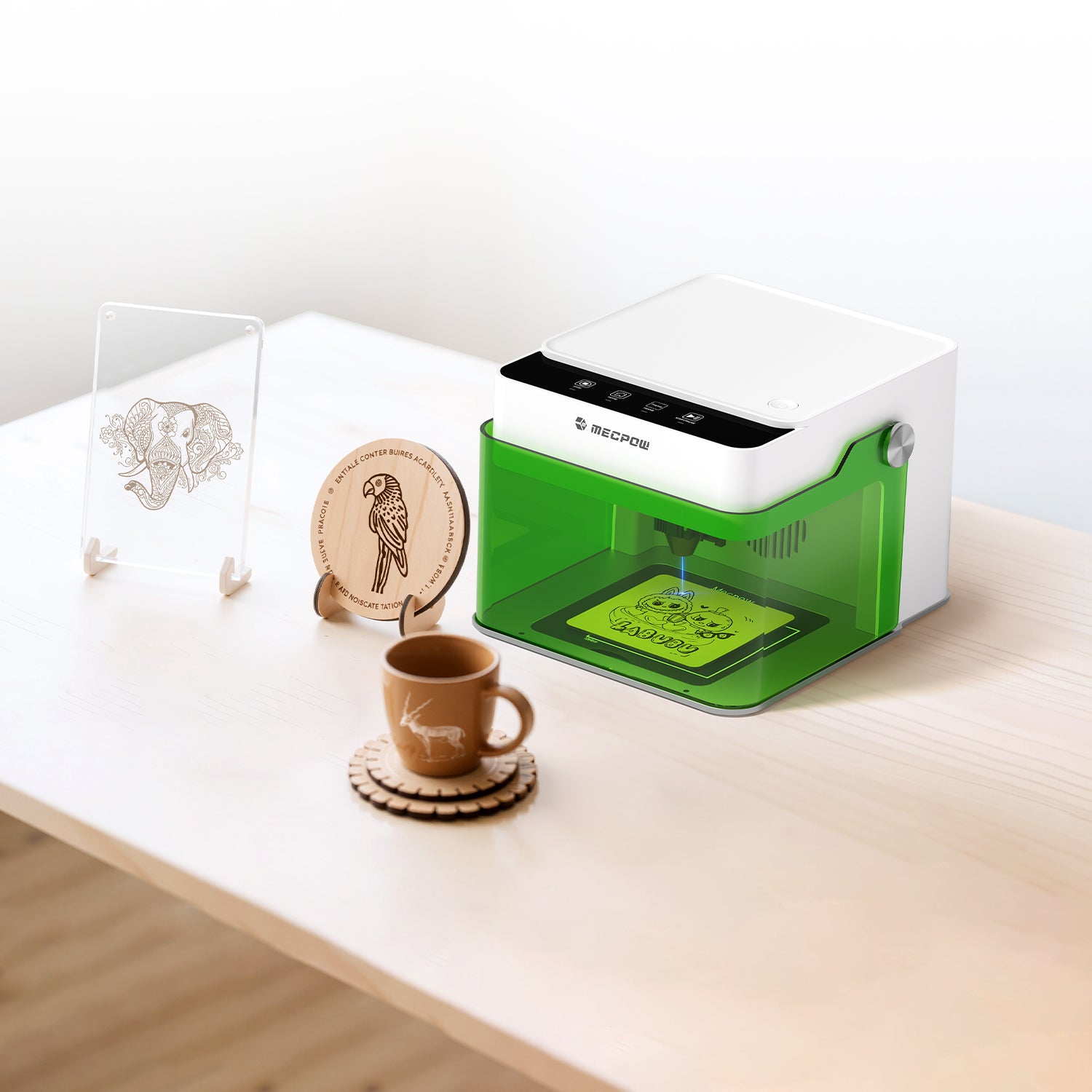
The first question is about eye care. A laser engraver uses a concentrated beam of light energy that can get hot. It is also incredibly bright. The goal is to reduce direct exposure to that light. With a Mecpow laser engraver, you get a safety enclosure that offers reflective protection. It is tinted and set to the right material structure to reduce exposure.
You can also use optional safety goggles. They do help protect you more, but they may get in the way if you already wear glasses. A good thing to do is keep a pair ready for when you work, but only wear them when the laser is engaged. That way, you don’t have to worry about fogging up your glasses.

Smoke Extractor or Window?
Another common concern with a modern laser engraving machine is the smoke and fumes it produces. Even though the engraver is using a hot, concentrated light source, that doesn’t mean you’ll get smoke. It often comes down to your power and speed settings, as well as the material you’re working with.
You should always work in a well-ventilated space. A window being open helps a lot, but you want to check for cross breezes that could blow smoke from a softwood or fumes from leather back into your face.
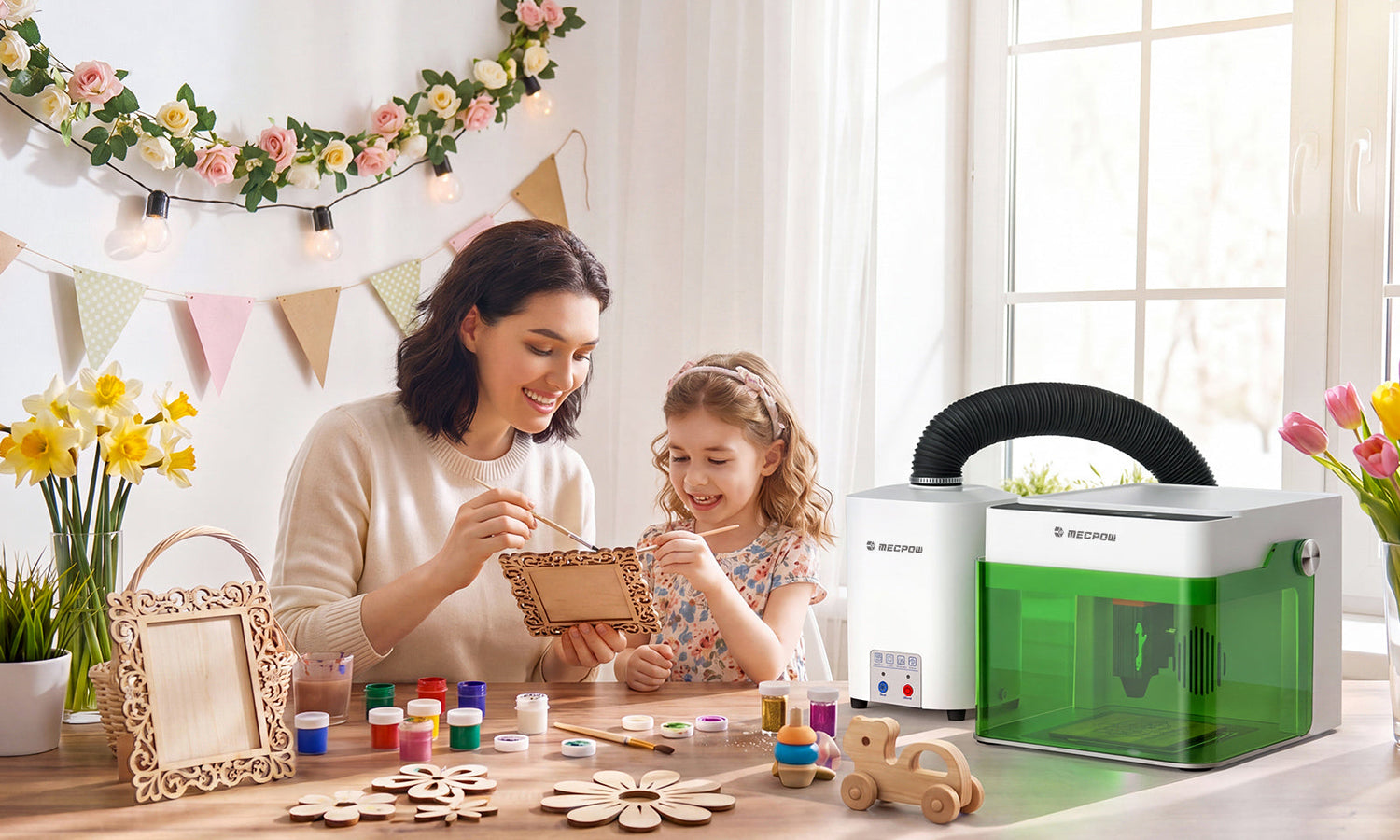
A much better alternative is to grab accessories like the Mecpow P50 Fume Extractor. This attaches to your primary Mecpow laser engraver, providing up to 50W of strong suction to pull fumes and smoke through a 3-layer filtration system. That provides up to 99.97% smoke removal, so when you’re working in a more restricted space, you’re still being safe.
The other benefit of a fume extractor is that you don’t get a lot of noise. Keeping a window open during a rainstorm or when your apartment is over a busy street can be distracting. It's better when you can put on your favorite playlist and keep the smoke and fumes from bugging you while you work.

Are Diode Lasers Safe?
It’s not a good idea to immediately think that diode lasers are harmless because they are smaller than what you’d find in a major industrial facility. Yes, they are safer than something designed for commercial use, but they still carry some risks.
Most of the best laser engravers for beginners are designed for all ages. That means, even though the laser is slightly dangerous, safety measures and protective housing make it safer.
It’s better to say that diode lasers are more controllable. As long as you follow some basic operating procedures, you don’t have to worry about much. That may include:
- Never letting the laser engraver work unattended
- Keeping your workspace well-ventilated with fans, an extractor, and an open window
- Using only materials approved by the manufacturer
- Avoiding any materials that may reflect the diode laser
- Keeping your work area clean and free from debris, especially around the base of the machine
Why the Mecpow M1 is the Best Laser Engraver for Beginners
As for where to start with a quality, safe laser engraving machine, pick up the Mecpow M1. This device is a good blend of easy-to-use features and ready-made systems that ensure you’ll be safe while you work.
The M1 doesn’t have a steep learning curve. It is practically ready to use out of the box. It has clear instructions that explain how to operate and maintain the device. It is also available in both 3.5W and 5W versions if you want to start with a lower-powered model until you feel comfortable.
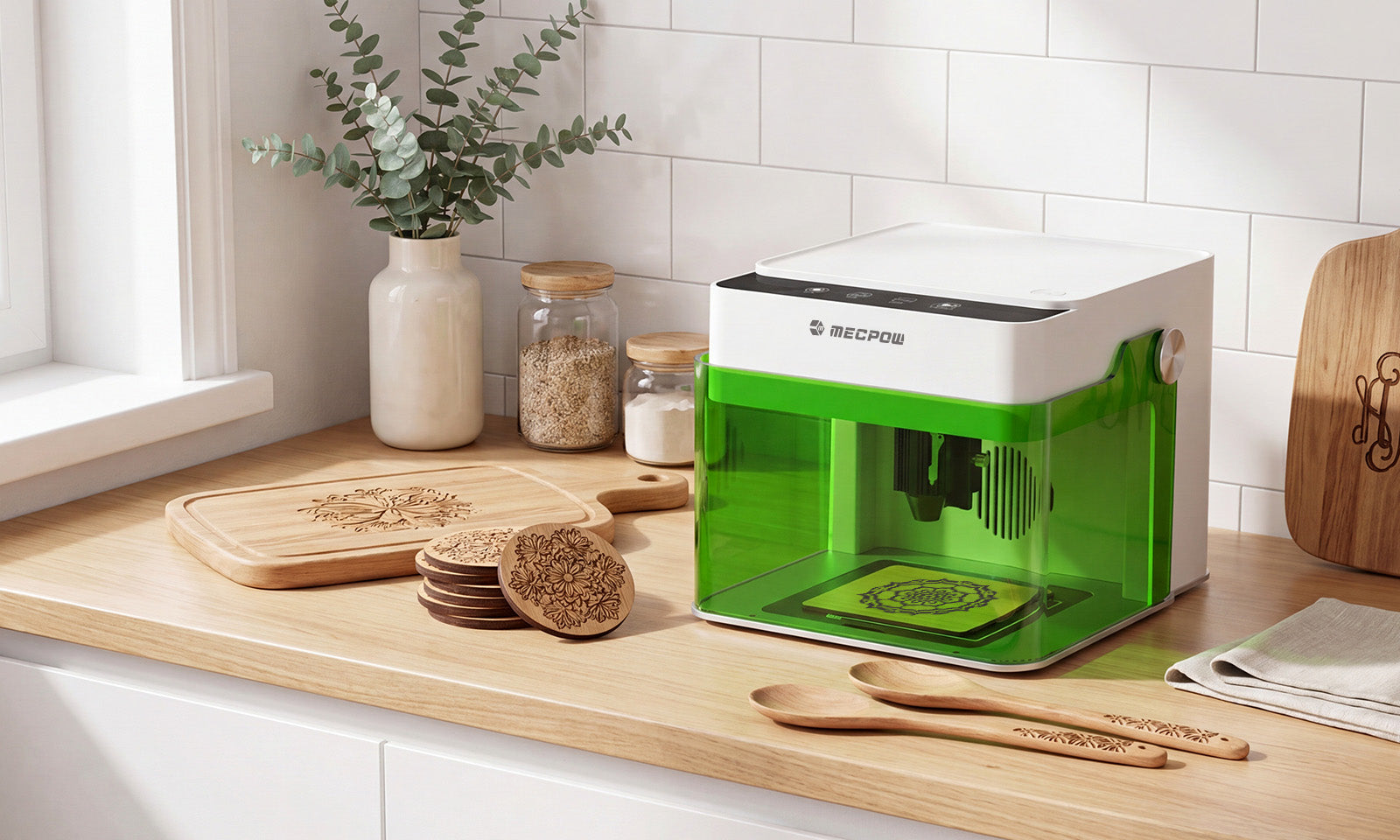
Best of all, the Mecpow M1 laser engraver is compact enough to carry anywhere. You still get a 100mm x 100mm table area, but not so large a device that you cannot pack it up, grab materials, and visit a coworking space or demonstrate something to a neighbor. With compatibility with 300+ materials, you’ll be creating holiday gifts, kitchen accessories, and personalized side-hustle products in no time.

Upgrading Home Safety with the Mecpow M1 & P50 Combo
If safety is your primary concern, especially if you have little experience with a laser engraver, then add the Mecpow P50 Fume Extractor to your order. This works by creating a sealed connection between your laser engraver and the three-filter system.
You can safely watch your laser engrave coordinates onto a wooden puzzle map or a family name onto a picture frame. All the while, smoke and fumes are sucked into the connective tube and down through three different filters. There is a pre-filter for larger particles, a medium HEPA filter for fine particles as small as 0.3 um, and finally an activated carbon filter for harmful gases and odors.
A small addition like the P50 ensures you have a safe working area, regardless of your ventilation or available space.

Best Practices for a Truly Laser Safe Workspace
Having an extractor helps, but you also want to maintain small habits while you work. Start with a stable work surface. You do not want the laser engraving machine to wobble back and forth. Eye safety begins with a flat, stable surface.
Next, keep things organized. Loose cardboard scraps or other items resting on the table when the laser is working can spark or create additional fumes. Always monitor everything while the device is in use and keep the area clear and clean. Dust buildup can interfere with airflow, so wipe down your surfaces regularly and check your vents.
If you are working with new material, start small on a practice piece. That will give you a better idea of what speed and power settings you can use without risking safety.
Material Selection: What Cannot Be Cut at Home?
Certain materials are riskier than others. Anything that is plastic (like PVC or vinyl) shouldn’t be used without extreme caution. They can release toxic gases when exposed to laser heat.
The same is true if you have coated materials that you aren’t familiar with. Those coatings can have chemical compounds you don’t want to release and breathe into your body.
It’s best to stick to materials known for safety, such as untreated wood, bamboo, natural leather, cardboard, slate, and certain acrylics. If you don’t know the material, do not engrave until you do.
Enjoy Your Laser Engraving Journey in Complete Safety
When you unbox your laser engraving machine, you should be more excited about what you’re about to create than worrying about eye safety and possible smoke. With the right habits, you’ll be able to create to your heart's content, but you need to be alert as you work.
Always keep your workspace clear of debris, cleaned up, and well-ventilated. If you can, pick up the Mecpow P50 Fume Extractor along with your new M1 laser engraver. That will provide plenty of safety so you can enjoy whatever it is you create next.


Leave a comment
This site is protected by hCaptcha and the hCaptcha Privacy Policy and Terms of Service apply.