

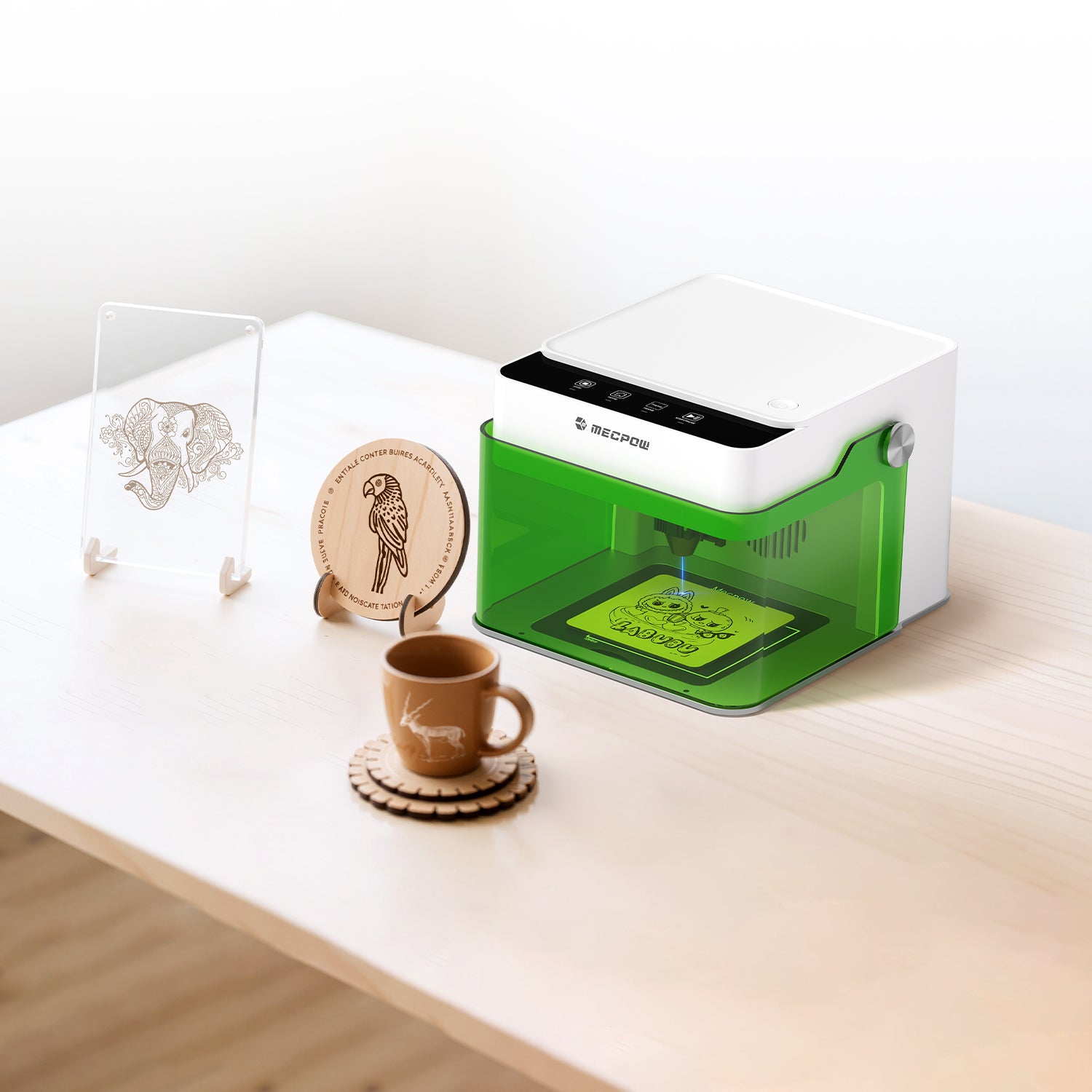
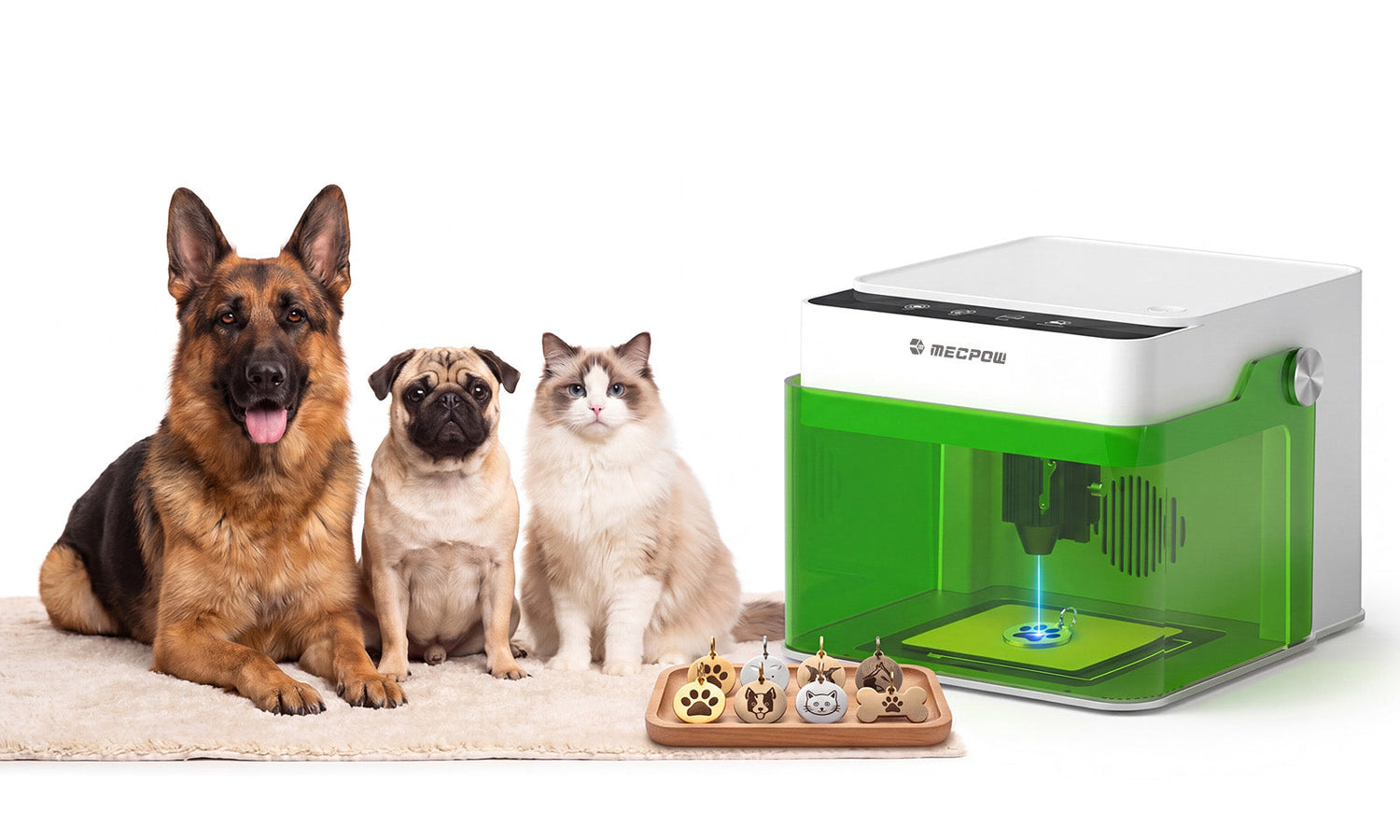
The beauty of a well-designed Mecpow laser engraver is that you gain access to well over 300 different types of materials. The problem is, some of those materials are a little more intimidating than others.
A laser engraver for metal opens up the door to all kinds of possibilities. You might want to add contrast to a name on an aluminum placeholder or etch your family’s initials into stainless steel. The trick is being safe and using a laser engraving machine specially designed for that type of use.
You want a beginner-friendly device like the Mecpow M1, combined with accessories that ensure high-quality results on metal, like the R1 infrared laser module. Here’s a quick overview of what you can expect.
The Core Challenges of Metal Engraving for Starters
The reason why so many beginners shy away from laser engraving aluminum is that metals behave differently from other materials. It reflects much of the heat and light from the diode laser, making it a bit more challenging for the type of surface interaction you might desire.
Even when the laser is making a pass correctly, you can end up with final designs that are too faint around the lettering, inconsistent within a batch, or barely visible except under certain lighting.
Reflectivity is often an issue. Many metals have a large fraction of their surface that reflects incoming laser energy. Instead of absorbing it and allowing the engraving to occur, the surface disperses all that energy, reducing the laser’s effectiveness.
Heat conductivity is another issue. When it dissipates quickly, it loses the detail from a concentrated beam. That is even more the case if you have a special coating on your metal, like anodized aluminum. That will react differently from standard, uncoated aluminum.
Successful metal engraving takes time, testing, and patience. With the right setup and a little trial and error, you can get a fantastic result.

The Ultimate Solution: M1 Laser Engraver + R1 Infrared Laser Module
Start your journey into laser engraving aluminum or stainless steel with the combination of the Mecpow M1 Laser Engraver and the R1 Infrared Laser Module. The benefits of owning an M1 are that you gain access to over 300 different types of engraving materials using either a 3.5W or 5W laser setup.
The M1 is incredibly easy to learn to use. It is practically ready to start working once you unbox the device. There is no steep learning curve, as everything is well laid out with clear explanations and instructions.
When you combine the power of the Mecpow M1 with the R1 1064nm infrared laser module, you can engrave over a variety of metals like gold, silver, platinum, copper, aluminum, zinc, iron, stainless steel, and alloys.
The result is an ultra-fine 0.01mm laser spot that delivers the detail you need for delicate designs. The pulse energy delivers up to 16,000Hz, which is more than enough to get sharper results on hard metals. Plus, it features a dovetail design, so it integrates safely and securely into your M1, offering greater material diversity for everything from a heartfelt pendant to special occasion gifts.

Laser Engraving Aluminum Successfully
Anodized vs. Raw Aluminum?
When working with aluminum, be sure to double-check whether the material is anodized. When it has that extra treatment, it is easier to engrave because the coating absorbs most of the laser light energy compared to the actual metal. That’s why you often see business cards or drinkware made from metal as beginner-friendly products using this type of material.
Raw aluminum is far more challenging. The diode laser can reflect energy, leaving your designs lighter or with less contrast. Without the R1 infrared module, you’ll not get too far.
Fast Speed or High Power?
Even though the Mecpow M1 is the best laser engraver for beginners, you still need to consider your speed and power settings. Too little power at higher speeds results in barely visible marks. Too much power at slower speeds delivers excessive contrast that doesn’t produce clean markings.
A good rule of thumb is to stick to faster speeds with moderate power for anodized aluminum and then slower speeds with increased power for raw aluminum. If you can, start with a small sample to see the difference for yourself.
Multi-Pass vs. Single Pass?
You cannot get as deep an engraving with a single aggressive pass on aluminum. In general, metal responds better to multiple passes than to a single pass. It’s a tougher material that doesn’t respond the same way as leather or softer woods.
The more detailed your artwork or the smaller your lettering, the more you’ll need a multi-pass approach. That will reduce the risk of damaging your creation. You just get more control with multiple passes than with a single one.
Pro Secrets to Laser Engrave Stainless Steel
Stainless steel is a bit of a different proposition for laser engraving. It is highly desirable for laser engraving because the end product is incredibly durable and looks fantastic. The difference is that you want to balance deep and shallow engraving. Something like personalized drinkware is better for shallower surface markings. Tool identification may require deeper passes.
You want full preparation and consistency. Make sure:
- The material's surface is cleaned of oils, fingerprints, and other residues.
- Secure the item to the plate so it cannot wiggle as you work.
- You’ll want the R1 infrared module, as that will provide more detail and consistency on harder materials.
- Keep the work area very well ventilated, as metals produce strong odors and fine particles.
- Avoid chasing the maximum depth on your first pass. Stick to multiple passes instead.
Take your time as you learn. The Mecpow M1 laser engraver is meant to be easy to use. You don’t need to redesign the wheel. Give yourself the room to fail and learn, and you’ll end up with beautiful and creative designs.

Why Modular Systems Make the Best Laser Engraver for Beginners
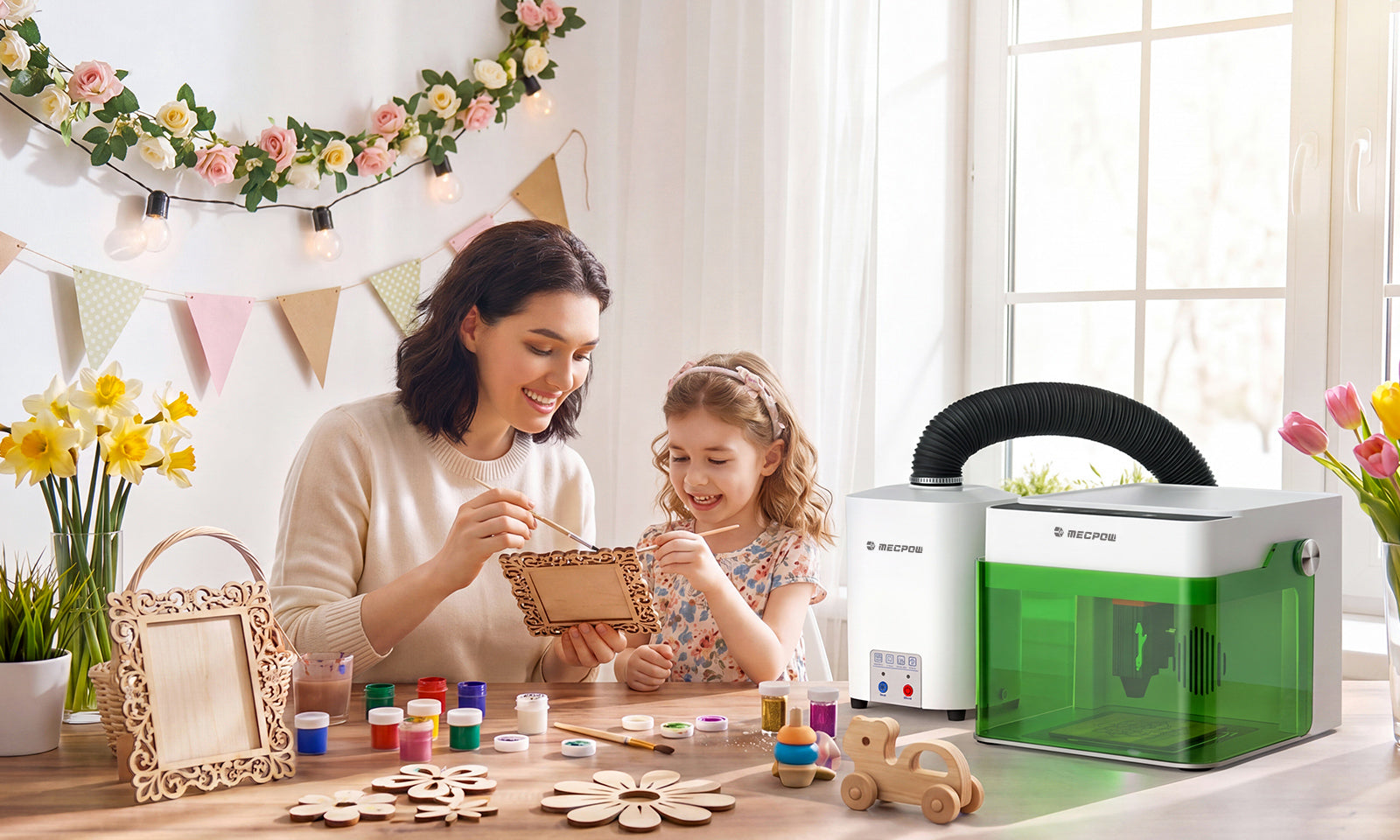
No matter what metal material you’re considering, the beauty of the M1 is that it is modular. You’re not restricted to a workshop or specific part of your garage bench. You have plenty of engraving space for a wide range of materials. You can easily unplug and transport your device anywhere you want to test new materials next.
The Mecpow M1 is also an “expandable” device. That means there are numerous accessories you can purchase to enhance your design, the materials you work with, and the safety features you’ll enjoy. That is perfect when you’re a beginner and don’t want to jump into something commercial or industrial-grade.
Finally, the M1 is also flexible and scalable. It means you can carry the device to a makerspace and partner with fellow creatives to start a business, run a nonprofit assembly line for donation gifts, or create unique items for local classrooms. That versatility is a big plus when you’re new to the laser engraving makerspace.

Start Your Metal Engraving Journey Now
Just because one type of material is a little intimidating doesn’t mean you should slow your adventure into laser engraving. With the right tools and a proper setup, you can enjoy making gifts, collectibles, memorable items, and emotionally infused designs that will last a lifetime.
If you’re wondering how to use gold, aluminum, stainless steel, and other metals, pick up the Mecpow M1 laser engraver and the R1 1064nm Infrared Laser Module. That combination is a winning process that will provide all the power and details needed for your next project.

Leave a comment
This site is protected by hCaptcha and the hCaptcha Privacy Policy and Terms of Service apply.