

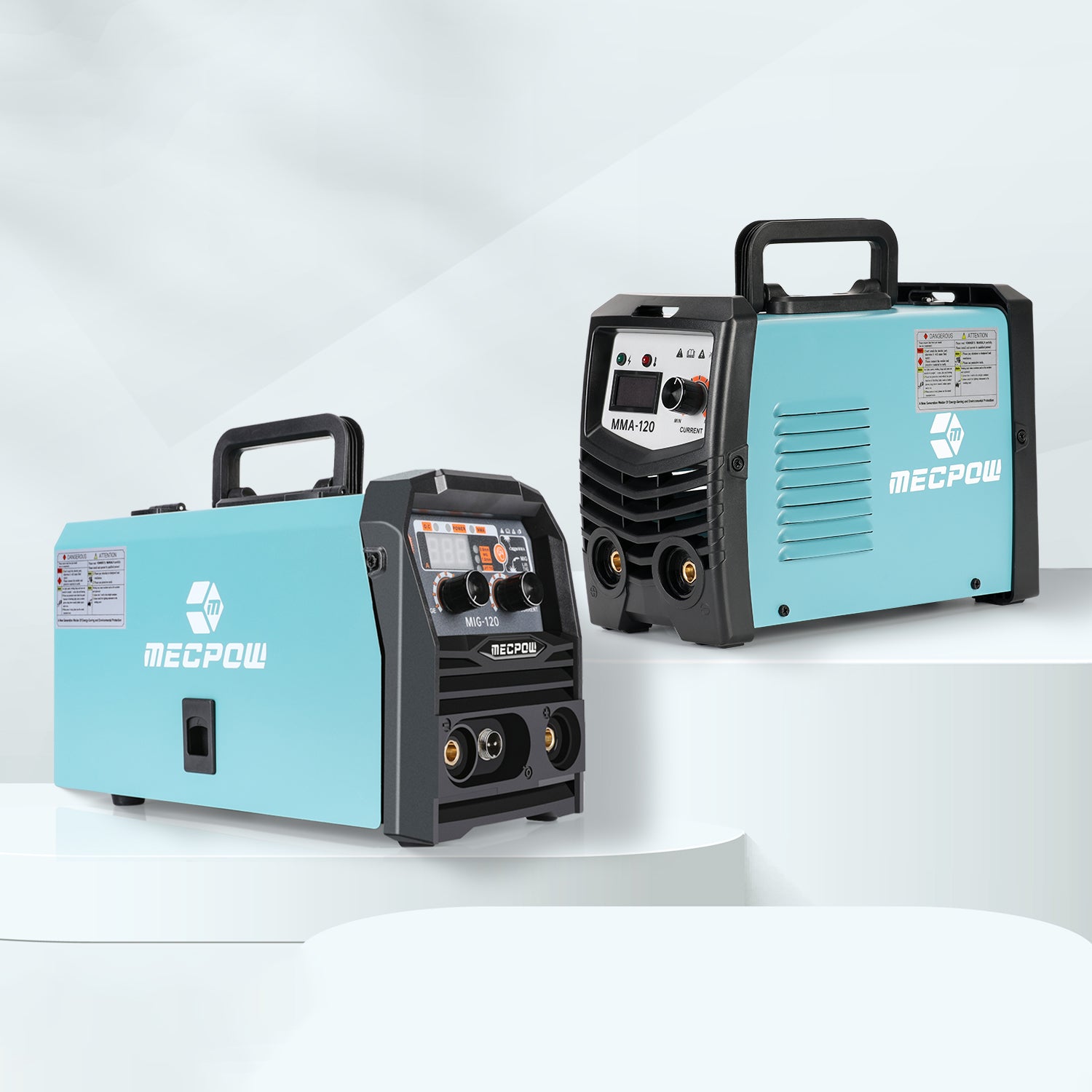

Struggling to pick the right laser engraver? It’s easy to get overwhelmed by complex parameters like laser power, engraving speed, safety features and software compatibility.
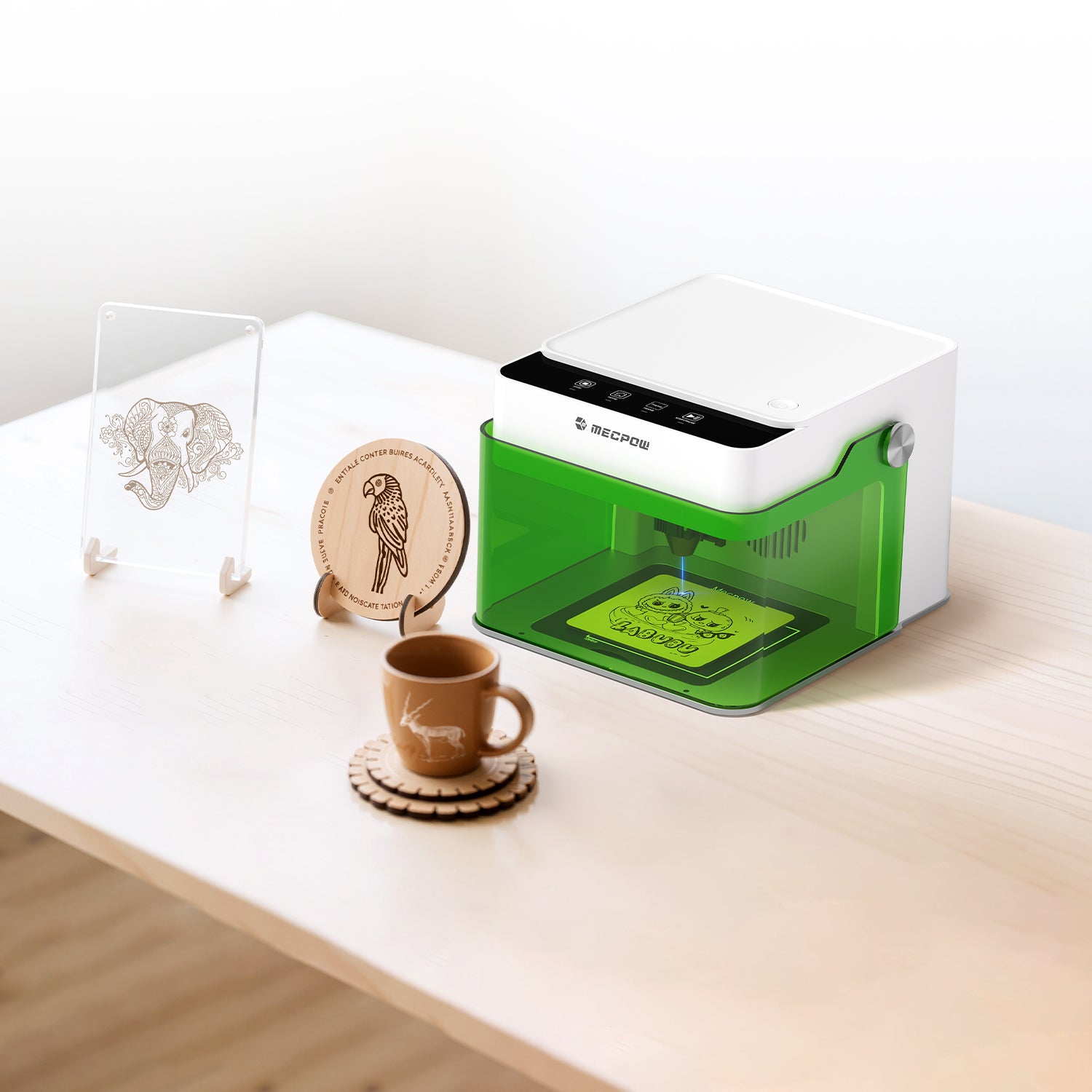
Here’s a side-by-side comparison of two bestsellers from Mecpow: the compact, beginner-friendly Mecpow M1, and the high-performance, high-precision Mecpow X3 Pro. With this guide, you can easily find the perfect laser engraver for your creative projects.
M1 vs X3 Pro – A Head-to-Head Breakdown
To figure out which one better suits your engraving needs between the Mecpow M1 and X3 Pro, you first need to explore their core parameters and functional advantages.
|
Model |
M1 |
X3 Pro |
|
Laser Power |
3.5W/5W |
10W |
|
Engraving Area |
100 × 100 mm |
410 × 400 mm |
|
Tilt Alarm |
15±5° |
50±5° |
|
Engraving Accuracy |
0.1 mm |
0.01 mm |
|
Max. Engraving Speed |
10000 mm/min |
10000 mm/min |
|
Wavelength |
455±5 nm |
455±5 nm |
|
Supported Connections |
Wi-Fi, USB, TF Card |
USB Wired Connection (Type-B) |
|
System Support |
Windows, macOS, Android, iOS |
Windows, Mac |
|
Software Support |
MKSLaser (APP), LaserGRBL, LightBurn |
Support: LaserGRBL (Free Software for Windows), LightBurn (Paid Software for Windows & Mac OS) |
|
File Format Support |
JPEG, BMP, JPG, GIF, PLT, PNG, DXF, HPGL, NC, etc. |
JPEG, BMP, GIF, PLT, PNG, DXF, etc. |
|
Product Size |
220 × 264 × 194 mm |
515 × 561 × 170 mm |
Laser Power: Precision vs. Penetration
Laser power directly determines the range of processable materials and the depth of engraving and cutting operations.
3.5W/5W Diode Laser Module+ Optional 1.2W Infrared Laser Module: Compatible with nearly 300 materials (including metal, wood, plastic, leather, cardboard, ceramic, bamboo, etc.), featuring wide material adaptability to meet basic processing needs in various scenarios.
0.1mm Engraving Precision + 10,000 mm/min Engraving Speed: Delivers delicate and vivid engraving results with stable and controllable operation efficiency, perfectly matching entry-level usage scenarios such as daily lightweight engraving and basic creative production.

10W High-Power Diode Laser Module + 0.06×0.08mm Ultra-Fine Laser Spot + Short-Pulse Technology: With high peak power, it achieves deeper engraving and stronger cutting performance, easily cutting 10mm thick wood and 5mm thick acrylic, suitable for medium to high-intensity processing needs.
0.01mm Ultra-High Definition Precision + 10,000 mm/min Engraving Speed: Accurately restores complex textures and subtle details with full-performance output, fully meeting high-standard requirements such as advanced design and professional engraving creation.

Buying Guide
Mecpow M1: Ideal for entry-level users, focusing on lightweight engraving and thin material processing, offering excellent cost-effectiveness and fully covering daily basic creative needs;
Mecpow X3 Pro: Boasting powerful cutting capabilities and top-tier fine engraving performance, it is the preferred model for deep processing of multiple materials, high-end creative customization, and professional creation.
Laser Safety: Zero Compromise
Both models excel in laser safety but adopt distinct protection mechanisms to meet diverse needs:
Mecpow M1: All-Round Protection for Beginners – Safe & Hassle-Free
FDA Class I Safety Certified – suitable for both novices and experienced engravers, ensuring reliable safety at all times.
- Fully Enclosed Shield: Blocks smoke and filters 99% of laser light, protecting eyes without the need for goggles.
- Auto-Shutoff When Lid Opened: Comprehensive safety coverage for children, pets, and operators.
- 15±5° Tilt Alarm: Automatically pauses operation if the device tilts, eliminating potential accidents during engraving.
- Built-in Fan + Optional Air Purifier: Effectively isolates smoke and odors, creating a clean working environment.

Mecpow X3 Pro: Professional-Grade Safety Upgrade – Maximum Protection
Enhanced safety system – builds a solid safety barrier for professional engraving tasks.
- Flame Sensor + Gyroscope Sensor: Triggers an immediate alarm and shutdown in case of fire hazards or tilting beyond 50±5°.
- Limit Switch: Prevents the laser head from moving outside safe ranges, avoiding accidents, reducing wear, and extending the lifespan of the laser engraving machine.
- Emergency Stop Button: One-touch rapid shutdown to lock the device, preventing accidental operations – especially safe when children are present.
- Optional Mecpow FC1 Laser Engraver Enclosure: Isolates smoke, odors, and noise; the PVC film filters harmful blue light for upgraded eye protection.
- Adjustable Air Assist: With a maximum airflow of 30L/min, it efficiently removes debris and smoke for cleaner cuts; prevents flammable accumulation to lower fire risks, and features adjustable intensity based on smoke levels for a smoke-free, odorless workspace.

Buying Guide
- For beginners or users with home/small studio setups, who prioritize ease of use, basic safety, and cost-effectiveness: Choose Mecpow M1. Its fully enclosed design and core safety features meet daily engraving needs reliably.
- For professional engravers handling complex materials or prolonged operations, who require comprehensive and professional safety protection: Opt for Mecpow X3 Pro. Upgraded functions such as flame detection and emergency shutdown are tailored to high-intensity, high-risk professional scenarios.
The Best Laser Engraver for Wood – M1 or X3 Pro
For most buyers, "laser engraver for wood" is the ideal starting point. Wood is easy to source and delivers excellent visual results, yet it is highly sensitive to parameter settings. Slow laser speed or excessive power will cause severe charring, whilst insufficient airflow can result in residue build-up and blurred cut edges.
Why X3 Pro Stands Out for Wood Cutting
Full Air Assist System: The included air assist effectively removes debris and smoke, delivering cleaner cut lines and minimizing burn marks in woodworking.
10W High-Power Output: The 10W diode laser provides strong performance, eliminating repeated cutting for faster wood processing.
Why M1 Is the Top Pick for Wood Engraving
Ready to Use out of the Box: Equipped with only 4 control buttons — “Pause”, “Home”, “Frame” and “Start/Pause”. Beginners can master basic operations in minutes.
Compact & Portable Design: With a compact size of 220 × 264 × 194 mm, it fits anywhere and allows easy setup for engraving at any time.
Woodworking Recommendations
Choose the X3 Pro for projects requiring frequent cutting and streamlined workflow.
Opt for the M1 if your work focuses on engraving and personalized customization, with priority given to easy operation and stable performance.
Price & Value: Which Suits Your Budget and Goals?
After comparing performance and material compatibility, budget is the decisive factor, closely tied to your usage scenarios and long-term needs. With distinct market positioning, the Mecpow M1 and X3 Pro deliver targeted value for different users.
Mecpow M1: Entry-Level High Cost-Effectiveness
Priced at only $159, the M1 offers outstanding value for beginners and casual creators. It greatly lowers the entry cost of laser crafting, enabling easy DIY engraving and personalized customization without heavy spending. Featuring user-friendly operation, compact size and multi-device compatibility, it is ideal for:
- First-time laser engraving users and DIY hobbyists;
- Students and home users for small creative projects;
- Casual makers focusing on light materials such as leather tags, wooden keychains and cardboard, with minimal cutting demands.

Mecpow X3 Pro: Professional-Grade Upgrade
Priced at $289.99, the X3 Pro is a high-value upgrade for enthusiast creators and small businesses. Its premium cost delivers industrial-grade enhancements: 10W high power, 0.01mm ultra-high precision, a large 410 × 400mm working area, and professional safety systems. It fully supports high-efficiency, multi-purpose and high-quality production. It is ideal for:
- Small studios and micro-businesses for producing custom crafts, acrylic signs and leather products;
- Advanced hobbyists and designers who require deep engraving and thick material cutting (10mm wood, 5mm acrylic);
- Professional creators in need of stable output, streamlined workflow and long-term durability for commercial applications.

Final Budget-Based Selection Guide
Go with the M1 if you are a budget-conscious beginner, or only need a portable machine for occasional engraving and basic customization. It delivers excellent cost-effectiveness for everyday creative tasks.
Pick the X3 Pro if you demand strong cutting power, superior precision and a bigger working area for frequent or commercial operation. The extra investment pays off with better performance, finer accuracy and longer service life, making it perfect for advanced creation and business projects.
Which Laser Engraver Is Truly the Best for You?
You now have a comprehensive understanding of the two popular Mecpow laser engravers: the M1 and X3 Pro. As an entry-level model, the M1 features 3.5W/5W laser power, a compact body and multi-system connectivity. It is ideal for beginners, home users and casual DIY enthusiasts with light engraving needs and a limited budget.
In comparison, the X3 Pro is equipped with a 10W high-power laser, an expanded working area and upgraded professional safety protection. It supports thick material cutting and high-precision engraving, perfectly fitting hobbyists, small studios and commercial applications.
Either model can fully meet your demands for personalized laser creation. Choose the right laser engraver today and start your creative journey.



Leave a comment
This site is protected by hCaptcha and the hCaptcha Privacy Policy and Terms of Service apply.