

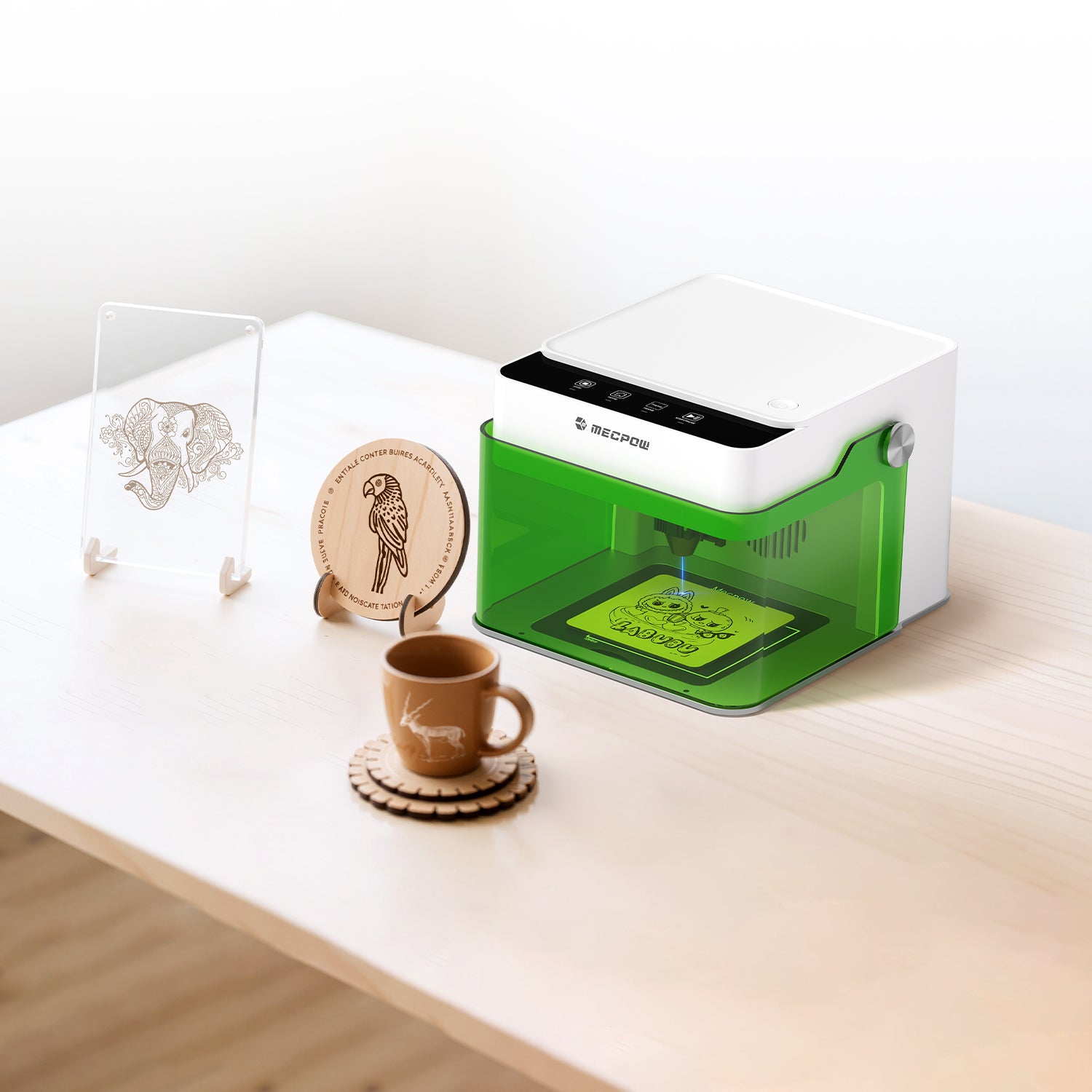

Finishing the details on your first engraving project will make you fall in love with the hobby. It’s the moment you take an idea from software and turn it into a physical object, thanks to a modern, easy-to-use laser engraver. That is where the magic lives.
To get that first project done right, start with an engraver-friendly material. Here are the best woods to transform your designs into incredible keepsakes.
Why Your First Laser Engraving Success Depends on Wood Selection
Even with the simplified operation of a Mecpow laser engraver, you still have the challenge of finding raw materials to work with. Wood is often the first choice because of the many options in density, grain direction, and contrast. How that wood interacts with your engraver matters.
When you’re learning wood laser engraving, stick to beginner-friendly woods. That will help you focus on design placement or how to adjust power settings without wasting your budget on more expensive materials. Wood is predictable, offering a smooth surface that lets you master your engraving skills.
The Five Easiest Woods for Laser Engraving Beginners
Birch Plywood: The Most Stable Starter Choice
You’ll find birch plywood in practically every hobby shop and hardware store in your area. It is affordable, durable, and very consistent, making it the top choice for those learning how to use a laser engraver for wood.
Plywood is designed using layers of thin wooden sheets. That stability, combined with the smooth surface and uniform grain of birch, gives you a fantastic canvas for detailed lettering or high-contrast contours.
Plus, birch plywood is easy to come by. There are often pre-cut sizes that can easily fit into your bag. Many crafters start with a single piece, then learn to layer designs for a more immersive effect.
Maple: Clean Contrast with Smooth Grain
Maple is more common among laser engravers who want higher contrast. The wood is lighter in color, giving you a good backdrop for darker burn lines. There is a smooth grain that is perfect for detailed text or intricate graphics, like a pet memory plaque or a welcome sign for a new neighbor.
Maple is also harder than other beginner woods. You might have to start at a slower speed or a higher power setting, ensuring you learn more skills before moving on to other raw materials like acrylic, leather, or metals.
Many decorative items you find in craft stores are made from maple because of its clarity. Take your time when picking out a sheet, as most hardware stores have maple wood varieties to choose from.
Basswood: Soft, Predictable & Easy to Control
If you only have one option for learning how to do wood laser engraving, go with basswood. It is the most beginner-friendly material because of its fine grain and low density. The result is a more consistent design structure when you’re all done with your project.
The trick is that basswood is softer, meaning it responds faster to laser heat. You get more control over engraving depth, but you will need to work a little to avoid overburning when you first experiment with laser wood.
Basswood is also one of the most popular materials for crafting and carving worlds. That means you can easily find it at a reasonable price in your local community.
Pine: High Contrast with Resin Awareness
As you move around with wood materials for your Mecpow laser engraver, you need to learn about resin. Pine will help you on that journey because it is inexpensive and relatively easy to find. It’s light enough for high-contrast designs and also soft enough to use varying power settings.
However, what really matters is the natural resin pockets. You need to learn how to get an even laser burn even when that resin creeps up when you least expect it. This is an excellent learning tool as you expand your capabilities.
Pine is also very common in hardware stores. Just be sure to avoid a lot of knots in the wood. Those engrave differently from a smooth grain. It’s why you see a lot of rustic signs or home décor projects made from pine.
Poplar: Balanced Density for Detailed Designs
The last wood material to use when you’re learning how to use a laser engraver for wood is poplar. This is the “middle of the road” material that is both soft enough for high contrast, but also subtle enough for consistent engraving depth.
Poplar is affordable and slightly eco-friendly. It’s a solid choice for prototyping a new design or experimenting with different settings without burning a hole in your wallet. The fun part of poplar is the light, consistent color. That gives you a wonderful canvas to finish your laser engraving project with color, painting, or staining.
Why the Mecpow M1 Is Ideal for First-Time Wood Engraving
Learning to laser engrave wood requires more than choosing the material. You also want a powerful, easy-to-use, and portable engraving machine that doesn’t require much experience.
The Mecpow M1 offers a balance of simple design and capability, with a variety of wooden materials, making it perfect for anyone new to the craft.
Precision Diode Laser Optimized for Wood Projects
With the M1, you get an optimized diode laser supporting 3.5W, 5W, or an optional 1.2W infrared module. That ensures you can use over 300 different materials without sacrificing detailed designs, clean edges, or consistent depths.
Adjustable Power & Speed for Controlled First Burns
Those first burns can be challenging. With the M1, you can easily fine-tune power and speed through a user-friendly system that delivers 10000 mm/min at high speed. That’s 0.01mm accuracy for a new “Best Dad” sign on Father’s Day or a personalized calendar for grandma for Christmas.
Large Work Area for Creative Flexibility
The M1 features a 100 mm x 100 mm engraving area, providing more than enough space for larger creative projects. You can easily move from simple experiments to more ambitious designs without having to swap machines or materials.
Beginner-Friendly Setup & Safety Features
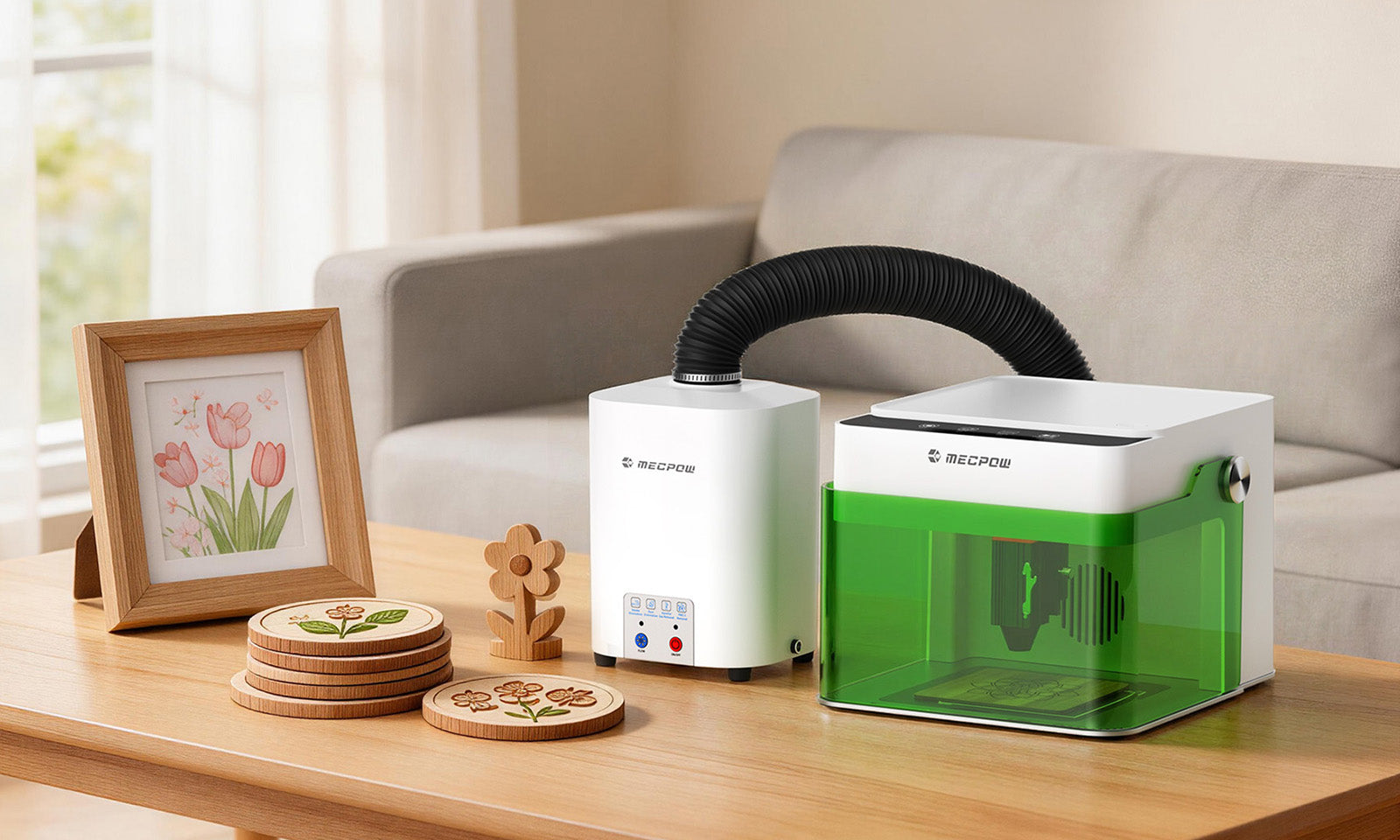
Best of all, working with the Mecpow M1 means having a tool ready out of the box. There are built-in safety features and a user-friendly setup, so you can focus on your designs rather than learning many new technical skills. All you need is a flat surface and some simple ventilation, and you’re good to go.
Custom Wood Engraving Projects to Start With
Now that you have a good selection of wood to pick from and a solid Mecpow laser engraver more than capable of meeting your design goals, it’s time to get cranking on a wood project.
There are all kinds of unique items you can design. From personalized gifts you hand out at a bachelorette party to décor perfect for your rustic short-term rental business, try starting something new every once in a while to expand your capabilities. A good starting list might include:
- Themed keychains and pins
- Nature-inspired hair clips and buttons
- A wine caddy or drink coasters
- Plant markers and dinner table placemats
- Personalizing a cutting board with a name or phrase
- Fun wooden puzzles based on old family photos
- A business card holder for your new side hustle
- Wooden EarPods, phone, and charging station
- Holiday home décor and gifts
- Customized toys based on vintage designs
- Bookmarks themed to your favorite genre

Your creativity has no bounds when it comes to using a laser engraver for wood. The more you get comfortable with your designing, burning, and cutting, the more you’ll expand into new ideas perfect for keepsakes and gift giving.
Your First Wood Engraving Project: Start Smart, Burn Better in 2026
The Mecpow M1 laser engraver makes it easier than ever to get into soft wooden crafting. It doesn’t require decades of experience to create memorable designs that you, your family, and your intended giftees will appreciate.
Start small with the wood materials suggested above so you can perfect your skills before moving on to rarer or harder options. You’ll learn in time what works best for different designs. Allow yourself to make mistakes and, as you progress, you’ll create items that will last for decades to come. That first successful burn is all it takes to build a long-term hobby you’ll love.


Leave a comment
This site is protected by hCaptcha and the hCaptcha Privacy Policy and Terms of Service apply.