


Choosing your first laser engraver feels a bit like entering a high-tech kitchen where every knob is labeled in a language you don’t quite speak yet. You see terms like laser power, laser precision, and laser speed flashed across product pages, often accompanied by big numbers that promise "professional results."
But as many beginners soon discover, having a powerful machine doesn't automatically mean you’ll produce a masterpiece on your first try. Why does the engraving look perfect one time and burned the next? Why does a machine with “higher specs” not always deliver better output?
In fact, the relationship between these three settings is the most common hurdle for newcomers. At Mecpow, we believe that understanding the "why" behind these parameters is the secret to moving from "confused hobbyist" to "confident maker."
Why Are Beginners Always Confused About “Power, Precision, and Speed”?
At first glance, laser engraving seems simple: load a design, set the parameters, and press start. But in reality, a laser engraving machine is a system where multiple variables interact at the same time.
Beginners often assume:
- Laser power determines everything
- Higher precision always equals better quality
- Faster speed means a more advanced machine
The confusion arises because these assumptions treat parameters as isolated values. In practice, laser power, laser speed, and laser precision work together, and their relationship changes depending on the material, artwork, and even environmental factors.
Finding the "sweet spot" requires understanding how these three forces interact:
- Power: The "muscle" (how much energy hits the surface).
- Speed: The "tempo" (how long the laser stays on one spot).
- Precision: The "detail" (how tightly the laser pulses and how small the beam spot is).
Without understanding how these parameters interact, beginners end up memorizing numbers rather than mastering principles—leading to frustration, wasted materials, and inconsistent results.
Common Misconceptions Clarified
FAQ 01: Is higher laser power always better?
No—higher laser power is not always better, especially for beginners.
Laser power determines how much energy is delivered to the material. While higher power allows you to cut thicker materials or engrave harder surfaces, it also increases the risk of:
- Burn marks on wood
- Melted edges on acrylic
- Overexposed photo engravings

For most beginner projects—such as wood, leather, paper, and coated metals—moderate laser power with controlled speed produces cleaner results. A well-designed laser engraver allows fine power adjustment rather than forcing users to rely on maximum output.
FAQ 02: Does Higher Precision (DPI) Always Mean Better Results?
Not necessarily. Laser precision, often expressed as DPI (dots per inch), refers to how finely the laser can reproduce detail. However, higher DPI does not automatically improve engraving quality.
On materials like wood, high precision settings can lead to excessive carbonization (charring). The lines become so close that they overlap and turn the entire image into a dark, messy smudge.
If the material cannot physically display that level of detail, increasing precision only leads to:
- Dark, muddy engravings
- Longer engraving times
- Excessive heat buildup
True precision is not about maximum DPI—it’s about matching precision to material behavior. Often, a moderate DPI yields a cleaner, more "natural" look than the maximum setting.
FAQ 03: Does Faster Speed Mean a More Advanced Machine?
Speed is often misunderstood as a pure performance metric. In reality, laser speed determines how long the laser interacts with the material.
If you run the laser too fast at a low power, you might get an engraving that is so faint it's barely visible. Conversely, if the machine's frame isn't built for high-speed stability, moving too fast can cause "ghosting" or shaky lines.

A truly advanced machine is one that maintains precision even when the laser speed is cranked up. Beginners benefit more from consistent speed control than from extreme maximum speed values advertised on spec sheets.
FAQ 04: Why do different brands produce such different results with the same power?
This is one of the most confusing issues for new users. Two machines may both claim “10W laser power,” yet their results differ dramatically.
The reason lies in system design:
- Laser module quality
- Beam focus consistency
- Motion control accuracy
- Firmware and laser engraver software algorithms
Laser power alone doesn’t define engraving performance. A Mecpow laser engraver integrates hardware and software tuning, ensuring that the stated power is delivered evenly and predictably across the working area.
FAQ 05: Why do the same parameters produce different results each time?
Inconsistent results frustrate beginners more than any other issue. Even with identical settings, outcomes may vary due to:
- Material Variance: No two pieces of wood are the same. Grain density and moisture content change how the laser reacts.
- Lens Cleanliness: A tiny speck of dust on your laser lens can scatter the beam, reducing its effective power.
- Focus: If your material is even 1mm out of the focal range, your precision drops significantly.
Beginner-friendly machines reduce these variables by offering:
- Stable mechanical frames
- Clear focusing guidance
- Software presets tested for real-world use
- Consistency is not just about numbers—it’s about system reliability.
FAQ 06: Is Poor Photo Engraving Due to Insufficient Precision?
Usually, the culprit is actually software settings or material choice, not the machine's hardware precision. Photo engraving requires "dithering"—a process where the software converts shades of grey into patterns of dots.
If your image isn't pre-processed correctly for a laser engraving machine, it will look like a muddy mess regardless of how expensive your engraver is.
How can Mecpow help beginners avoid these parameter pitfalls?
At Mecpow, we designed our ecosystem to flatten the learning curve. We know that staring at a blank "Settings" screen in laser engraver software can be intimidating. To bridge the gap between "beginner" and "expert," we’ve pre-configured optimal settings for various materials, allowing you to bypass the guesswork and dive straight into creating.
Recommended Entry-Level Model: Mecpow M1
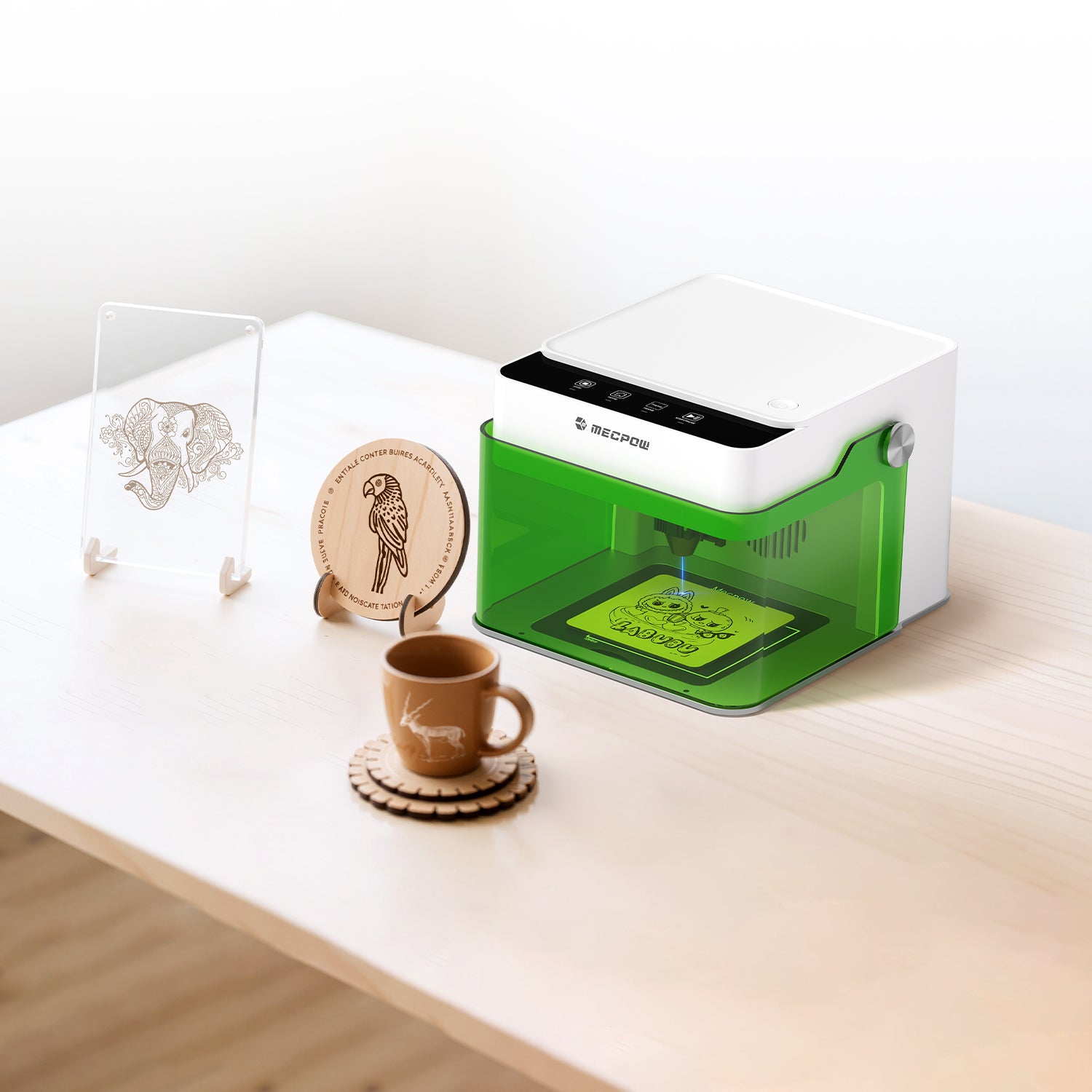
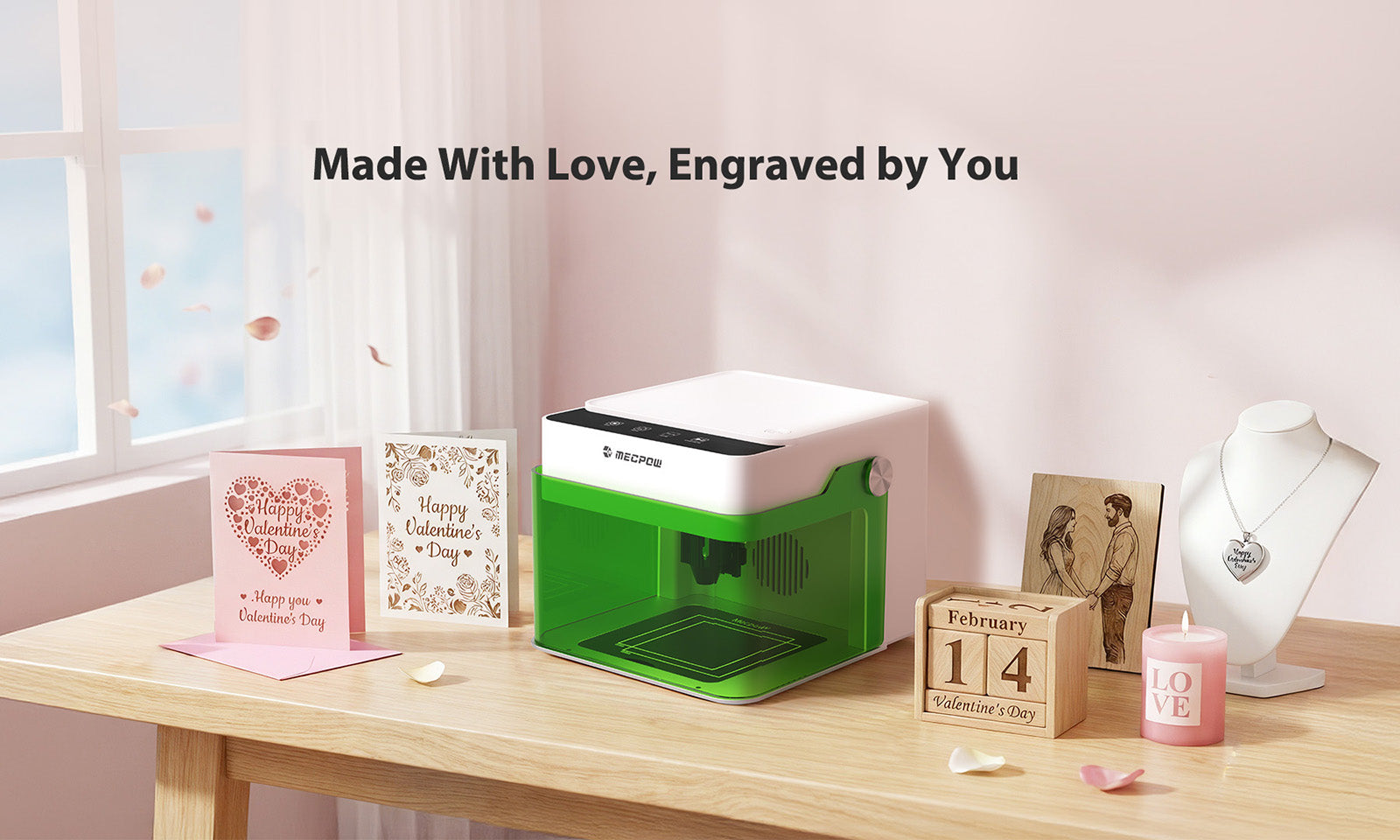
If you are looking for your first machine, the Mecpow M1 is specifically engineered to be the most "forgiving" and user-friendly laser engraving machine on the market.

- Ready to Use Out of the Box: Forget complex assembly. The M1 boasts a pre-assembled design—just unbox, set up, and start. With four intuitive buttons, mastering basic operation is effortless.
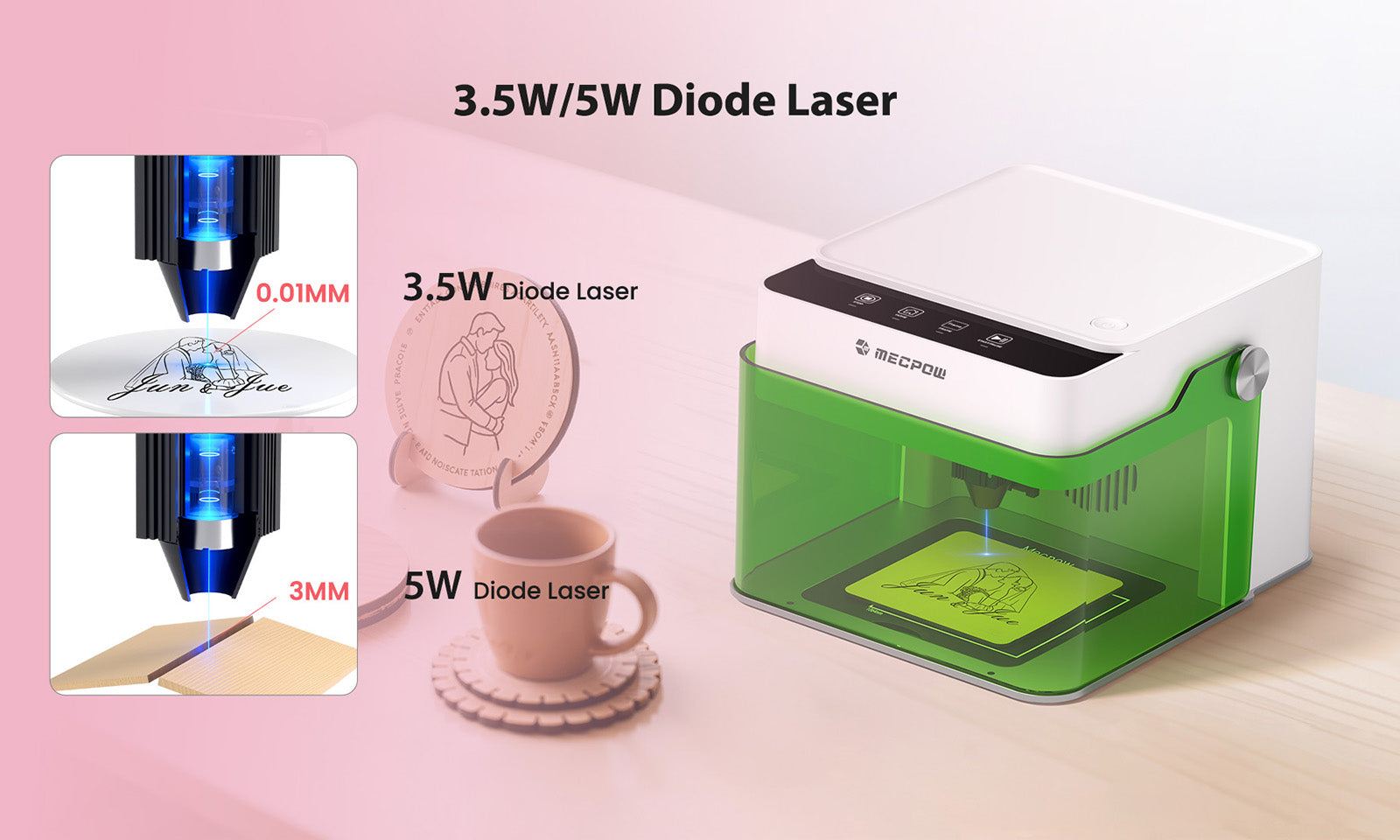
- Versatile Power for 300+ Materials: Supporting 3.5W/5W diode lasers, the M1 handles everything from 3mm plywood to 5mm pine wood. For those looking to expand, the optional 1.2W infrared laser module allows for precision engraving on various metals.
- High-Speed Performance: Don't let the compact size fool you. The M1 reaches a maximum laser speed of 10,000 mm/min, ensuring your projects are finished quickly without sacrificing results.
- Certified Safety for Home Use: Certified with FDA Class 1 safety standards, the M1 features a fully enclosed cover that filters 99% of laser light and blocks smoke. The automatic stop function triggers the moment the lid is opened, making it the safest choice for homes with kids or pets.
- Compact & Expandable: Weighing only 2.4 kg, this desktop laser engraver fits anywhere. As your skills grow, you can add accessories like the G3 Pro rotary roller to engrave on curved objects like water bottles and vases.
Summary
In the end, a laser engraver is a tool, not a "set it and forget it" appliance. The most successful creators are those who stop looking for a "magic number" and start understanding the physics of the process.
- Laser power provides the depth.
- Laser speed manages the heat.
- Precision defines the detail.
When you master the balance between these three, you unlock the true potential of your mecpow laser engraver. Don't be afraid to fail, don't be afraid to test, and remember: the best setting is the one that produces the result you envisioned.

Leave a comment
This site is protected by hCaptcha and the hCaptcha Privacy Policy and Terms of Service apply.