

When anyone interested in the laser engraver hobby first purchases a device, most of the attention goes to the hardware involved or whether the machine fits within a budget. That is all well and good, but just knowing the power output or the size of the engraving area isn’t going to meet all your needs. You don’t want to receive your laser engraver, unbox it, place it in a well-lit area, and realize the device doesn’t use the same software you’re used to.
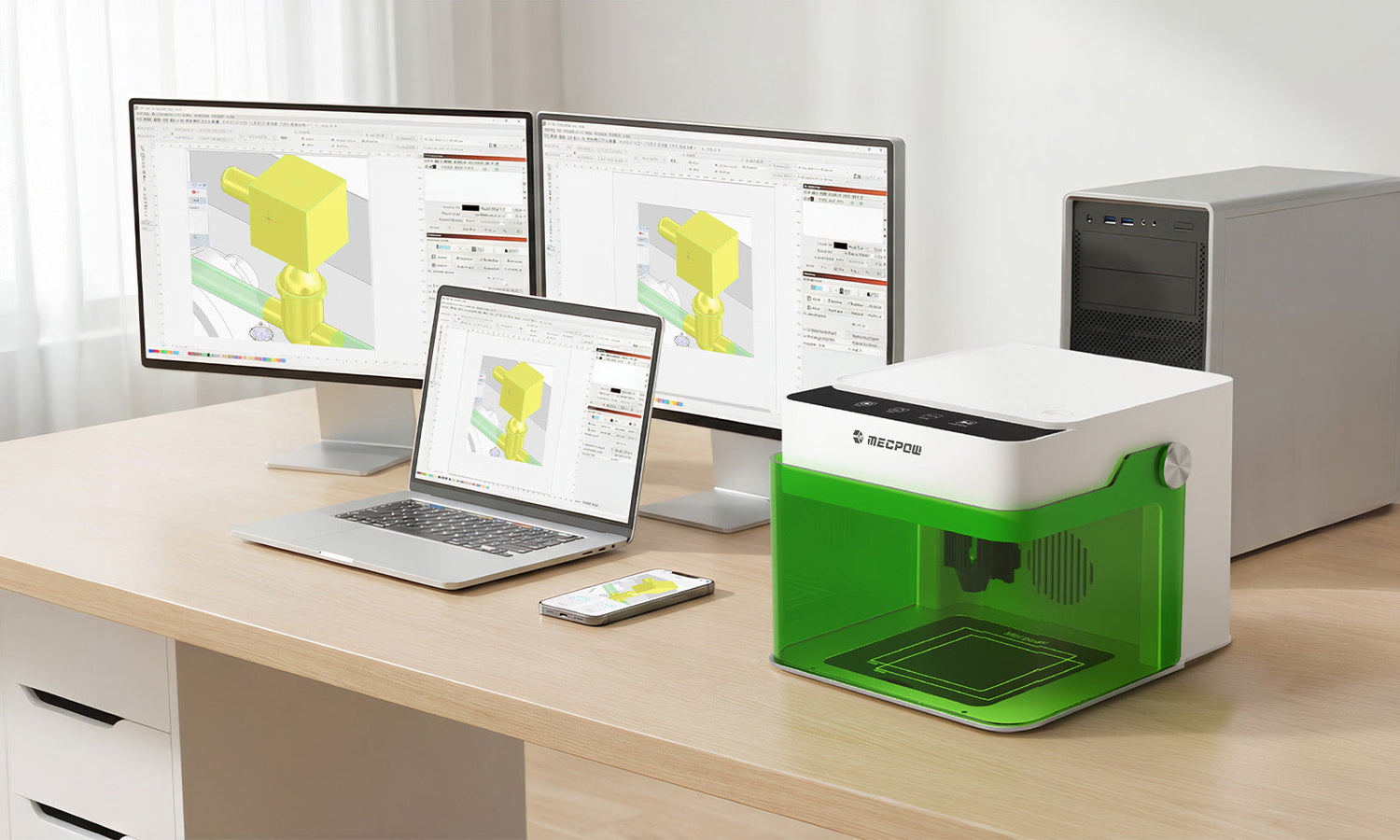
The type of laser engraving software you utilize will determine the details of your creations. That software helps you create new designs, calculate engraving paths, and set the power and speed when it turns on. With the right software on your side, you can make a control center perfect for high-quality wooden bookmarks or personalized gifts for family members.
The trick is finding intuitive laser engraving software that is easy to use and follows your simple workflow. That is the goal of this quick guide. Here you’ll discover the ins and outs of top software such as MKSLaser, LightBurn, and LaserGRBL.
The Importance of Software Selection for Laser Engraving Machines
Why does software play such an essential role in how you get your creative ideas into digital form and then into physical materials? Every single etching your laser engraver does has to be translated by software. That is what turns ideas into instructions that any machine can better understand.
When you’re a beginner maker, the right software makes all the difference. You want an application that can easily import design files shared by others in the community or co-makers who wish you to test something new out. The software should allow you to preview results and reposition designs to adjust engraving settings for better results.
Plus, there is the safety factor. While a modern Mecpow laser engraver is designed with safety in mind, having software that makes basic tasks more manageable shortens your learning curve.
You don’t want just the “popular” software package that everyone uses because it has name-brand recognition. You want the software that works best for you, so you get reliable results time and time again. Laser engraver software should complement your design efforts so everything is repeatable, in case you want to try small-batch designs for a side hustle or suddenly go viral with a personalized gift featured on your social accounts.
Introduction to Three Common Laser Engraving Software Options
The question now becomes which type of laser engraving machine should you buy, and what software will bring you the most value? Most hobbyists who scale to a small business choose between three primary applications: MKSLaser, LightBurn, and LaserGRBL.
Each software has its own positives and negatives and can be used for specific cases over another. Here is a quick rundown of what these laser engraver software suites offer to beginner hobbyists just like you.
MKSLaser: Mecpow’s Proprietary Software
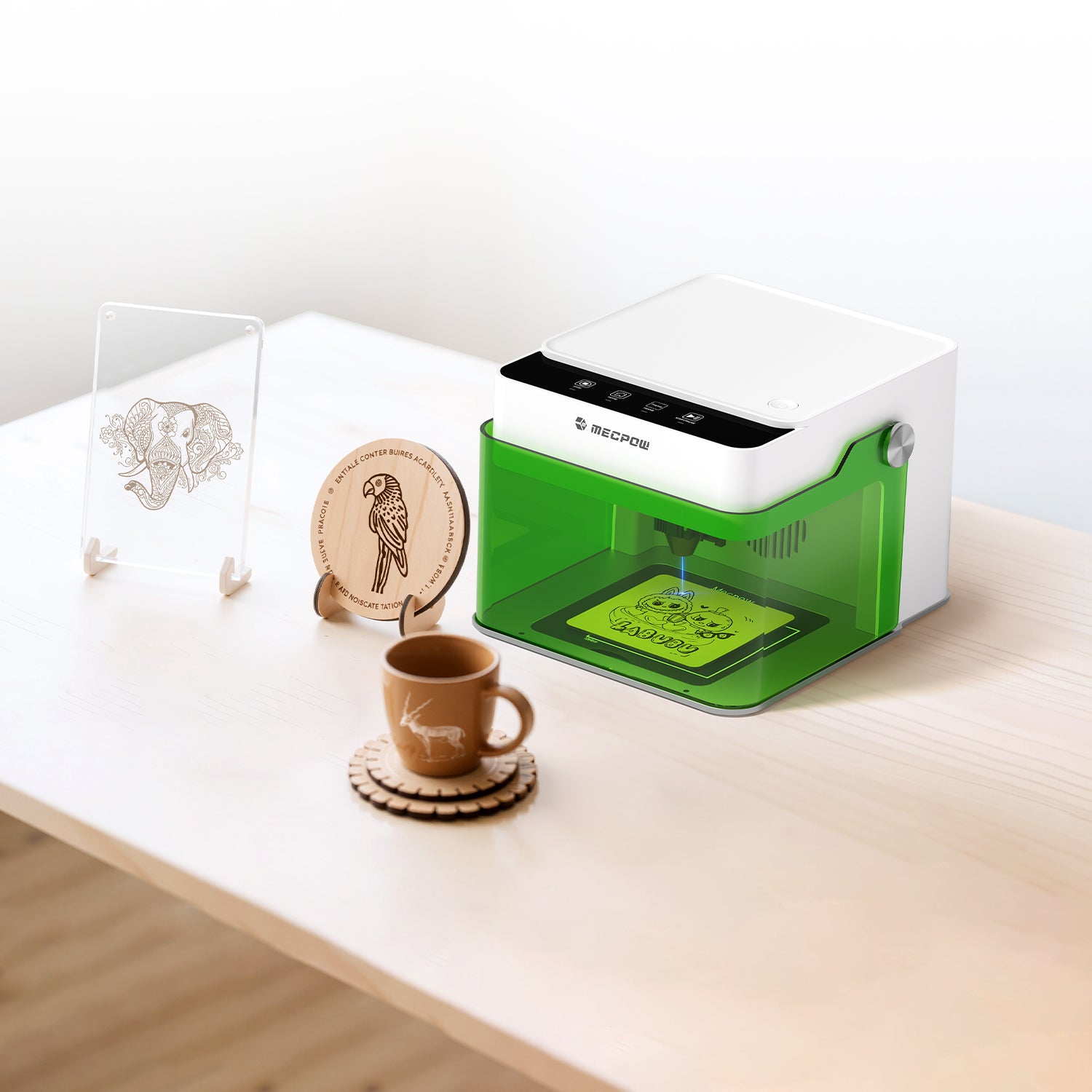
MKSLaser is proprietary software designed to work with the advanced and easy-to-use series of Mecpow laser engravers. Unlike most other third-party laser engraver software programs, MKSLaser exists solely to support a single device ecosystem, making it a must-have for anyone buying the beginner-friendly Mecpow M1 Laser Engraver.
Features & Scope
The first thing you’ll notice about MKSLaser is its stability. Because the software is intended for one type of device, it is designed to provide more predictable behavior, allowing users to customize designs much better than they can in other software applications.
You get a wide range of laser-cutting and engraving functions, with the high precision and accuracy needed for most materials. The entire interface is user-friendly, allowing you to customize settings and cut parameters based on the project, rather than being forced into specific settings. Plus, there are a variety of different file formats you can use when importing from one device or cloud folder into the software.
Most beginners with a laser engraver aren’t trying to run full-fledged production shops. MKSLaser supports more of the individual project style, like engraving names, etching patterns, or creating labels.
Operation & Interface
With Mecpow laser engravers so user-friendly, it only makes sense that MKSLaser has a clear, logical interface. All the controls follow a specific “step-by-step” flow that guides you from importing a design to posting it in the work area, to parameter selection, and finally to execution. That helps reduce any “friction” when learning something new.
What’s nice about that usability to MKSLaser is that it builds confidence. You don’t have to feel like you need years of experience operating a graphic design firm because the software makes it simpler to communicate with the hardware as required. In other words, you get more time to learn about what materials bring you the best results instead of troubleshooting software issues.
Device Compatibility & Benefits
As mentioned, MKSLaser software was designed for Mecpow, so all Mecpow laser engravers built after 2023 have it pre-installed. It is available to older devices through firmware upgrades.
The software is built specifically for Mecpow devices, which means updates are directly aligned with the machine you’re using. That reduces the risk of unsupported features or unstable behavior you might find in other third-party applications.
Price & Support
MKSLaser is free for all Mecpow users. It is a mobile application for both iOS and Android devices. Updates are regular through the native app stores, and beginners do not need to search complex forums for support documentation, as everything is available in the help section of the Mecpow official website.

LightBurn: All-in-One Professional Software
LightBurn is one of the most recognized laser engraver software applications because of word-of-mouth marketing. Plenty of makers enjoy using the software suite due to its comprehensive design and control environment, which includes vector image editing and machine operation within a straightforward digital ecosystem. Odds are, if you’re working with makers who aren’t using a Mecpow laser engraver, they’ll send you files set for LightBurn.
Features & Scope
What makes LightBurn stand out is the powerful design and layout tools. You can work with a wide range of file formats and easily create vector graphics from scratch that can be resized without losing detail. That helps when you’re managing multiple layers or assigning different engraving settings to different layers.
The software has an advanced material library and supports camera alignment on compatible machines, helping reduce the risk of damage to your material and errors. Most users who want more control over the entire laser engraving process gravitate toward LightBurn for its customizable options, especially when working on smaller projects like artwork or small-batch retail items like a series of personalized keyrings.
Operation & Interface
While all that design flexibility can be excellent after you have some experience, it can also be intimidating to beginners. The interface helps cut through that issue. It is dense but has a logical flow, with tools grouped by function. You can always customize this interface as needed, but if you’re new to the process, that might mean a slightly higher learning curve until you get used to all the options.
MKSLaser, on the other hand, doesn’t require you to understand complex layers or deal with node editing. That is why LightBurn has a lot of online walkthroughs and tutorials to help beginners start new projects.
Device Compatibility & Benefits
LightBurn has a strong community around the software to help you get the support you need. It updates frequently to apply fixes and keep the laser engraver software secure. Most Mecpow laser engraving machines are compatible with LightBurn.
Price & Support
LightBurn is a paid application. It requires a one-time purchase for a license to operate and works with both Mac and PC users. The software will work forever, but you’ll need to renew your maintenance after a year to get updates or new features.
There is a 30-day trial for LightBurn if you want to test it before committing. At the time of this article, the core license key for LightBurn runs at $99 USD per license.
LaserGRBL: Lightweight Open-Source Software
Many people new to the maker world will feel the attractive pull of open source laser engraver software. This is because open source means community members continually update and provide insights, and find new and fun ways to use the software across any machine application.
What is great about LaserGRBL compared to MKSLaser or LightBurn is that it is much lighter and simpler to get started. It operates by focusing on GRBL machines for basic engraving, which can be a little frustrating if you’re working with more complex designs.
Functions & Scope
The first thing you’ll notice about LaserGRBL is how fast it works. You can quickly import an image, generate an engraving path, and send instructions without needing complex processing tools or manual options. The whole application is designed to trim any extra “steps” in the making process, favoring speed and efficiency over complexity and customization.
The problem is that you sacrifice more control for that speed and lightweight design. If you are someone who preps your laser engraver designs well in advance using the software, then LaserGRBL is an excellent option. It can also be a fundamental learning tool because there are so few options. You’ll get the basics pretty quickly and then can “graduate” to more advanced software once you have a better hold of concepts like G-code and machine movement.
Operation & Interface
Like the rest of LaserGRBL, the interface is minimal and focused more on function than personalization. All the controls are easy to find and logically placed, but you don’t get as quality visual previews and layout tools as you would in MKSLaser or LightBurn. That means you’re likely to outgrow the software over time.
Price & Support
LaserGRBL is open-source software. It is free to use and download, with the option to donate to the project. The latest stable version is available at the official website: lasergrbl.com/download. GitHub is for source code, updates, bug reports, and community discussions. It is designed for PC (Windows) users and does not offer a Mac or mobile application.
You get frequent community-driven updates and patches because LaserGRBL is open source. There is also a great deal of problem-solving on public forums that really helps when you’re completely new to the laser engraving machine process.
Choosing the Right Software for Your Needs
The right laser engraver software will make all the difference when you get started with your new hobby. The choice of which software to use depends on what you plan to create, how much time you have to dedicate to learning layouts and tools, and your overall motivation to overcome learning barriers.
MKSLaser is the best bet if you’re buying one of the fantastic Mecpow laser engravers, as it is the “native” software that aligns well with the hardware's available tools and applications. If you have cash on hand and are willing to learn some complex tools, then go with LightBurn. If you want something free and easy to get started, choose LaserGRBL.
No matter what, there is laser engraver software perfect for your unique needs. Test them all out, and you’ll find the platform you need to turn your design ideas into beautiful, physical products to share, gift, and sell.


Leave a comment
This site is protected by hCaptcha and the hCaptcha Privacy Policy and Terms of Service apply.